Bookkeeping
Use LedgerIt from WhatsApp
Link your WhatsApp number, then send receipts to LedgerIt and ask the assistant about your books from your phone.
Your receipts are on your phone, and so are your questions about the books. Link your WhatsApp number once, and you can send LedgerIt a photo of a receipt or ask the assistant anything, from the chat you already have open.
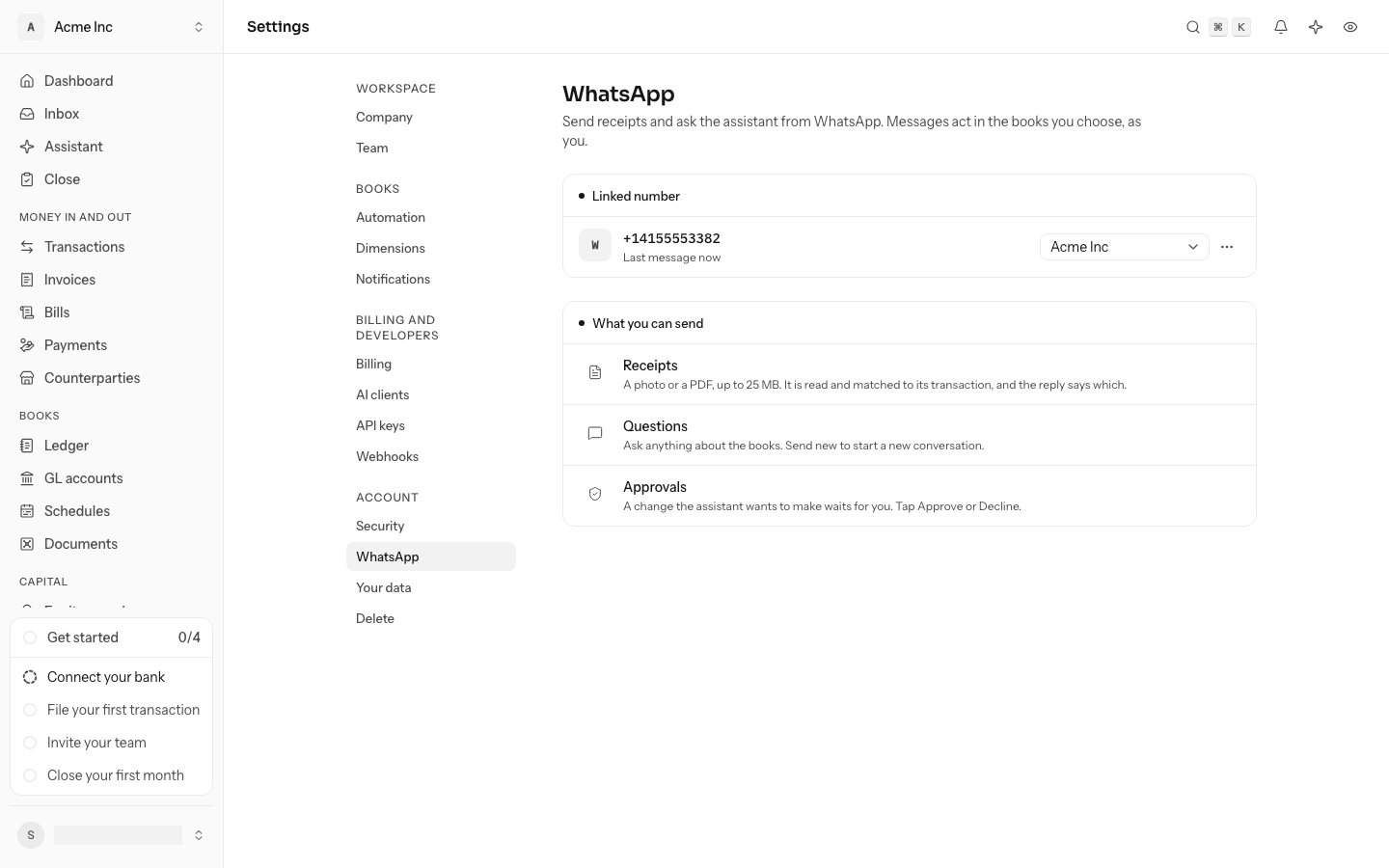
Link your number
Each person links their own number. It acts in one set of books, as you, with what your role allows.
- Go to Settings and select WhatsApp.
- Under Books, choose the books your messages act in. Receipts you send are kept there.
- Select Link WhatsApp. If your account has two-step verification, LedgerIt asks for a code from your authenticator app first.
- LedgerIt shows an 8-digit code. On your phone, select Open WhatsApp: the chat with LedgerIt opens with the code typed in. Send it.
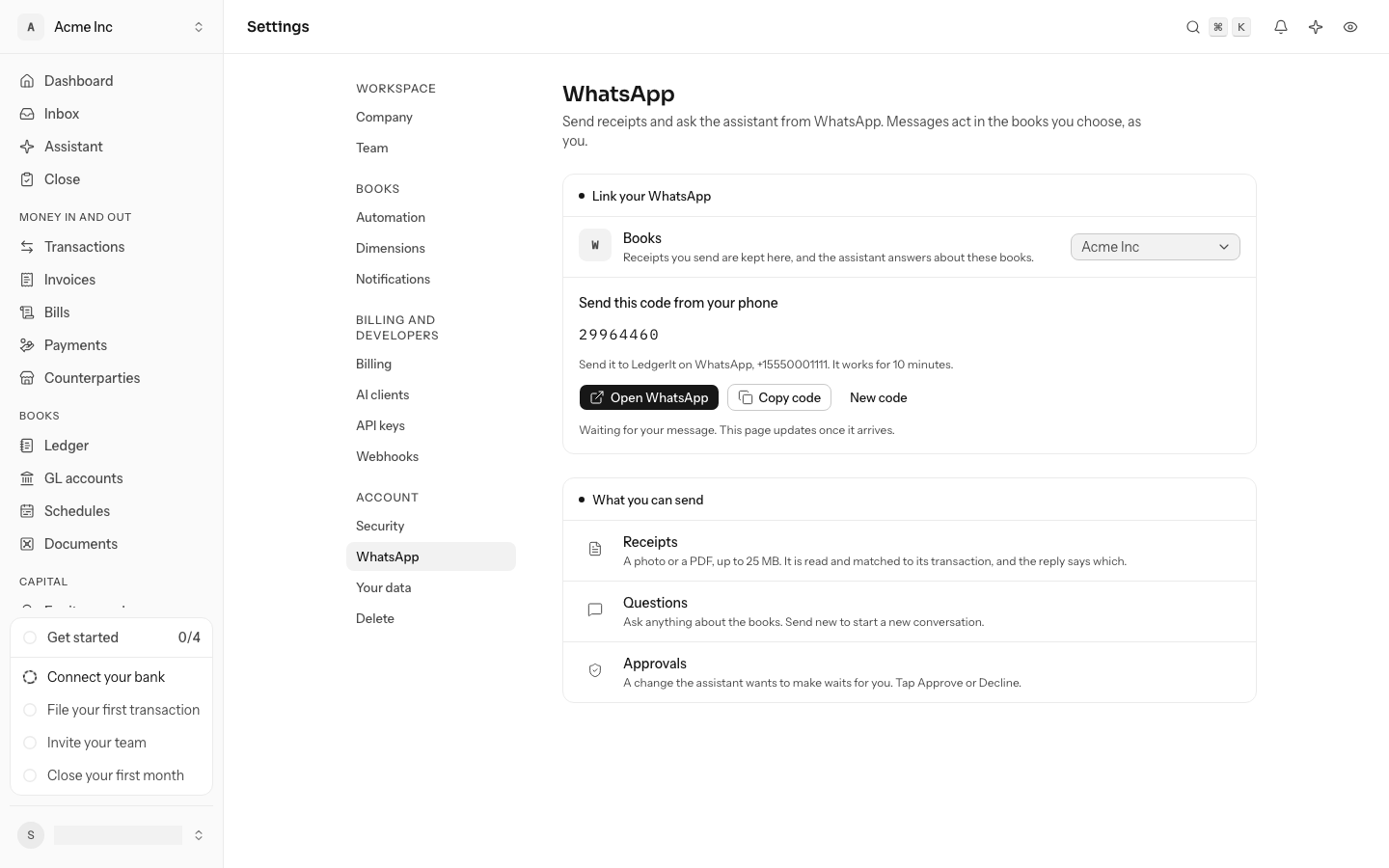
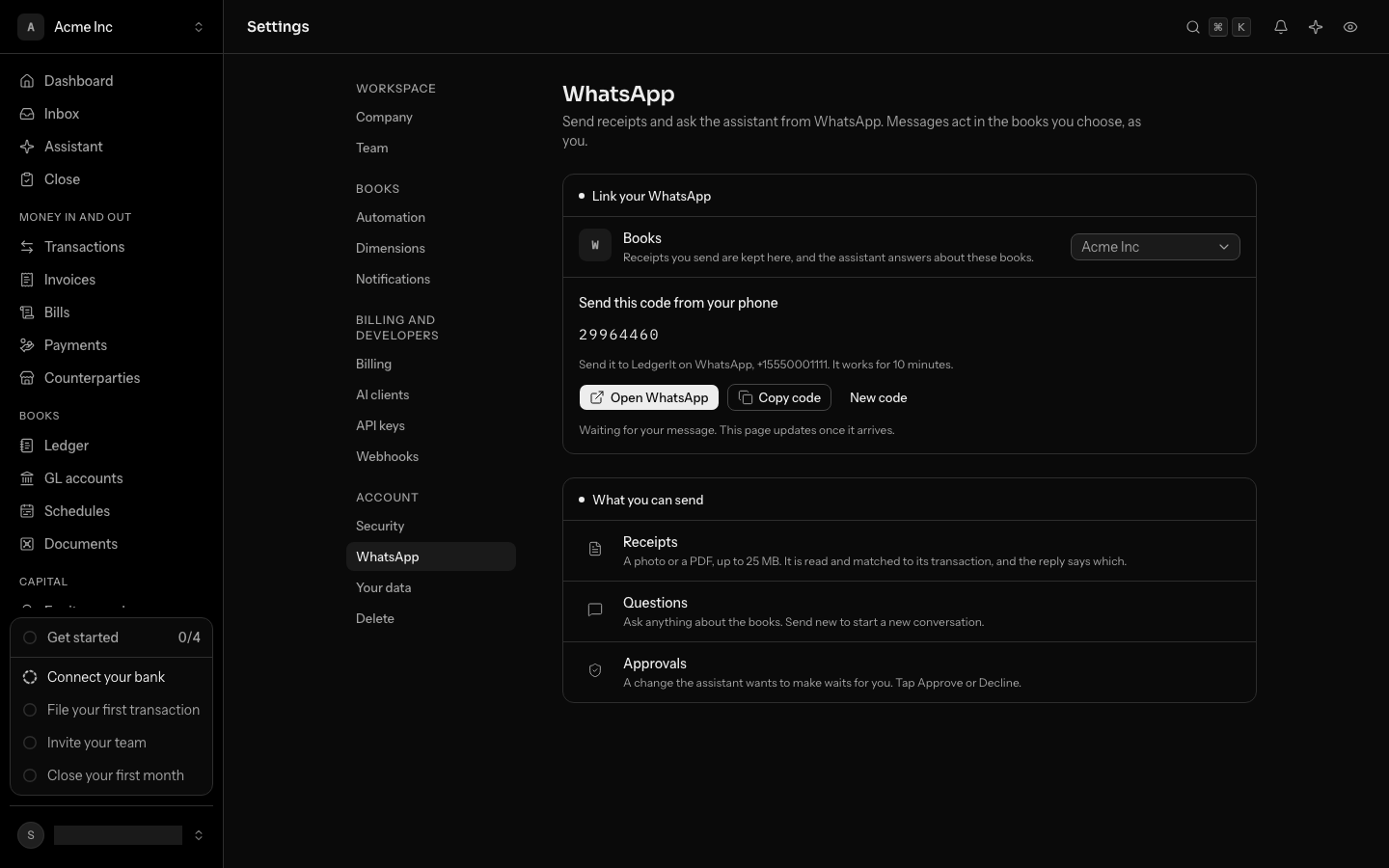
The page updates once the code arrives, and LedgerIt replies on WhatsApp to say which books the number is linked to. The code works for 10 minutes; select New code for another.
Sending the code from your phone is what proves the number is yours, so nobody can link a number they do not hold. A number links to one LedgerIt account.
Send a receipt
Send a photo or a PDF of the receipt, up to 25 MB, in the chat with LedgerIt. LedgerIt keeps it in the books, reads it, and matches it to its transaction the way it matches any upload. The reply says which transaction it matched, or that it is kept until the transaction arrives.
The receipt shows in Documents as Sent on WhatsApp. Sending the same file twice keeps it once.
Only people whose role may attach receipts can send them. A viewer's receipt is not kept, and the reply says so.
Get asked for a missing receipt
When a card charge of yours comes in without a receipt, LedgerIt asks you for it on WhatsApp, about two hours after the charge syncs. The message names the books, the merchant, the amount and the date. Reply with a photo or a PDF of the receipt: LedgerIt attaches it to that charge, and the reply says so. If what it reads off the receipt is a different charge, it is matched like any other receipt.
You are asked once per charge, and only about charges from the last 7 days. A charge whose receipt arrives some other way first, from the card program, by email or by upload, is not asked about.
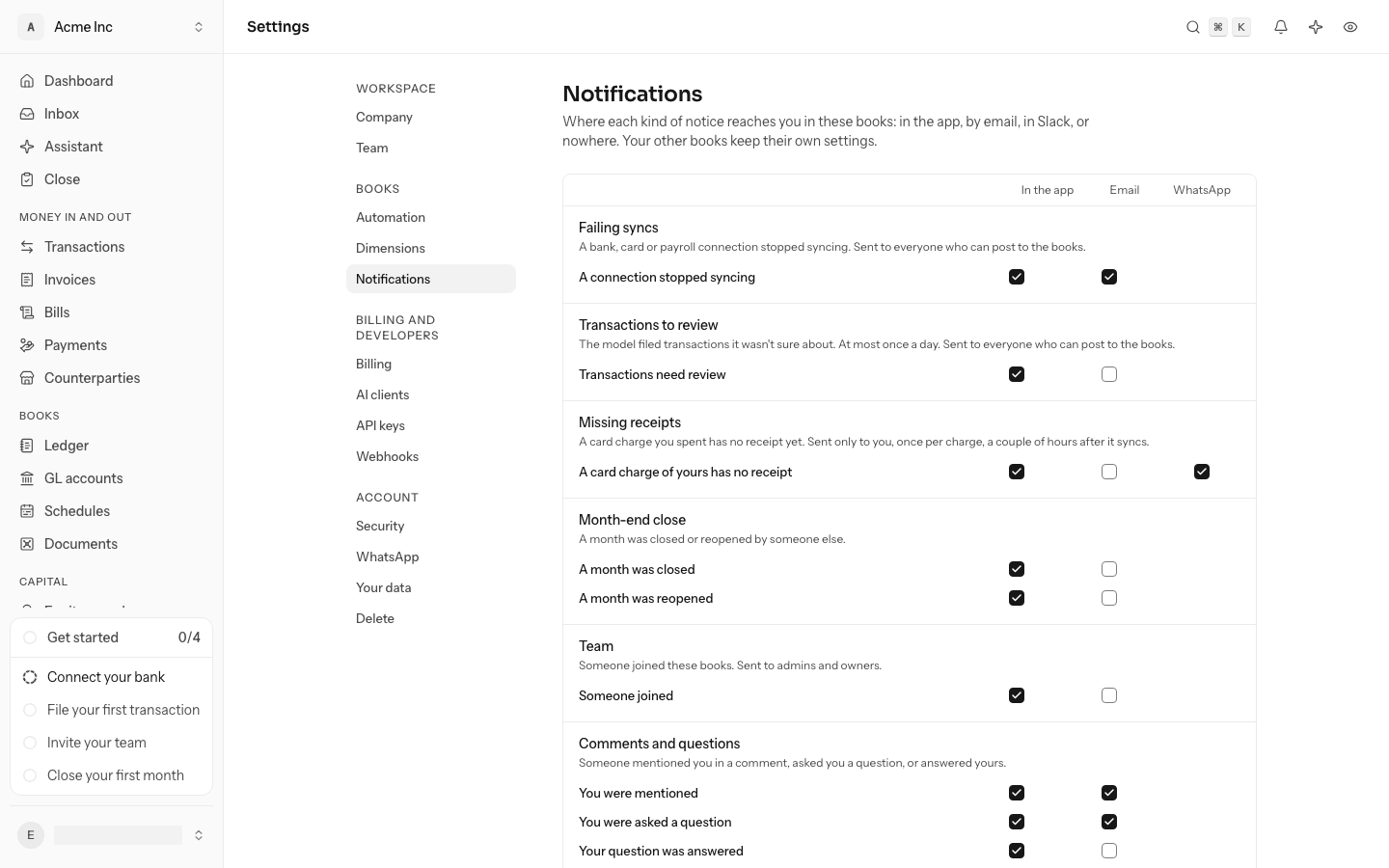
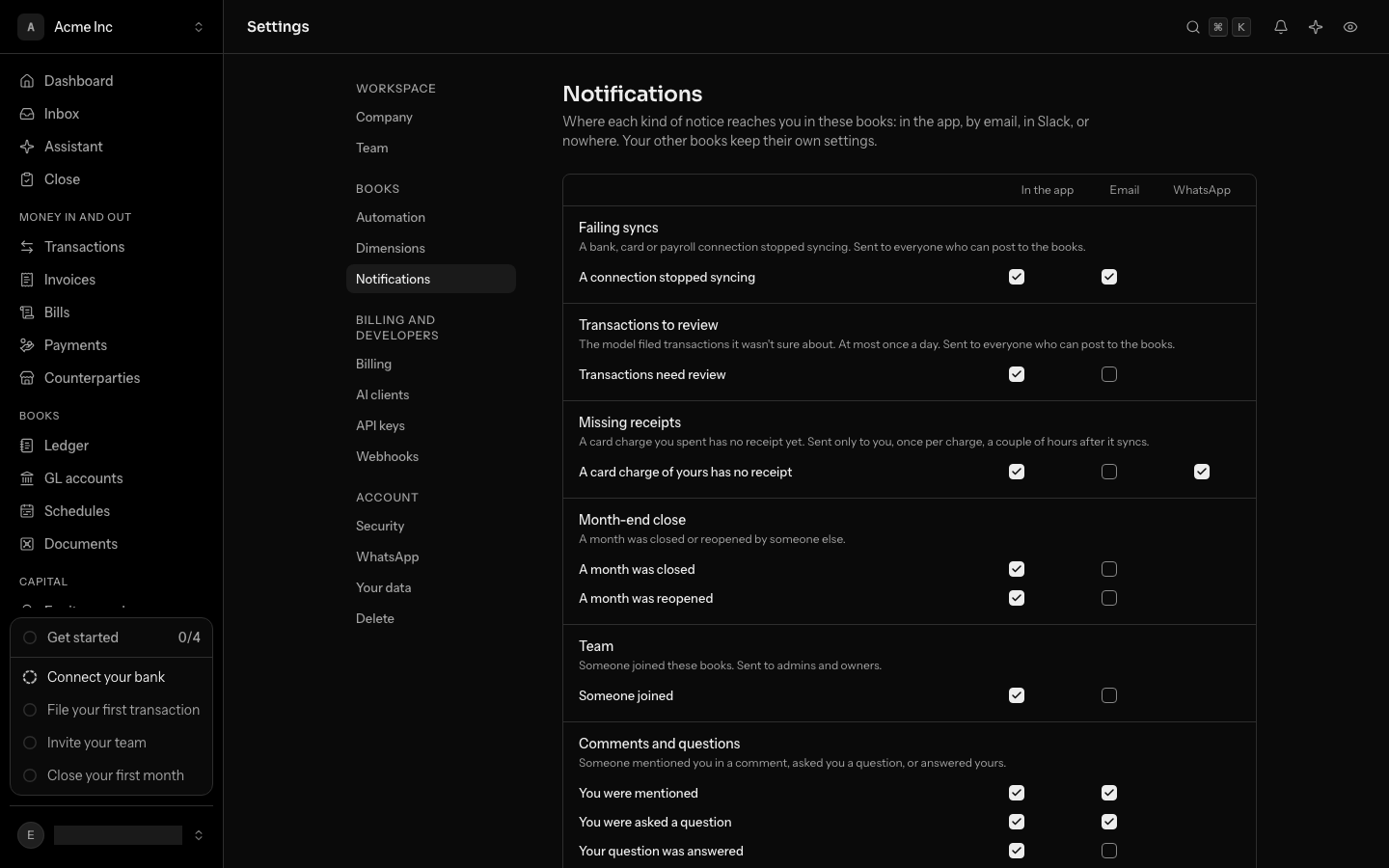
To stop these messages, or to get them in the app only, go to Settings, Notifications, and untick WhatsApp for A card charge of yours has no receipt, under Missing receipts. The WhatsApp column shows there once your number is linked to these books.
Ask the assistant
Write a question as you would in the app: "What did we spend on AWS last month?" or "Which bills are due this week?". The assistant reads the books and answers in the chat. See Work with the assistant for what it can do.
Your WhatsApp messages are one conversation, which you can also open under Assistant in the app. Send new to start a new one.
Approve a change
When the assistant wants to change something, such as filing a transaction or creating a rule, it lists the change and waits. Select Approve or Decline under the message, or reply yes or no. Nothing changes until you do.
From WhatsApp the assistant can do what an AI client can: it never approves a payment, changes members or billing, or deletes books. Do those in the app.
Change the books or unlink
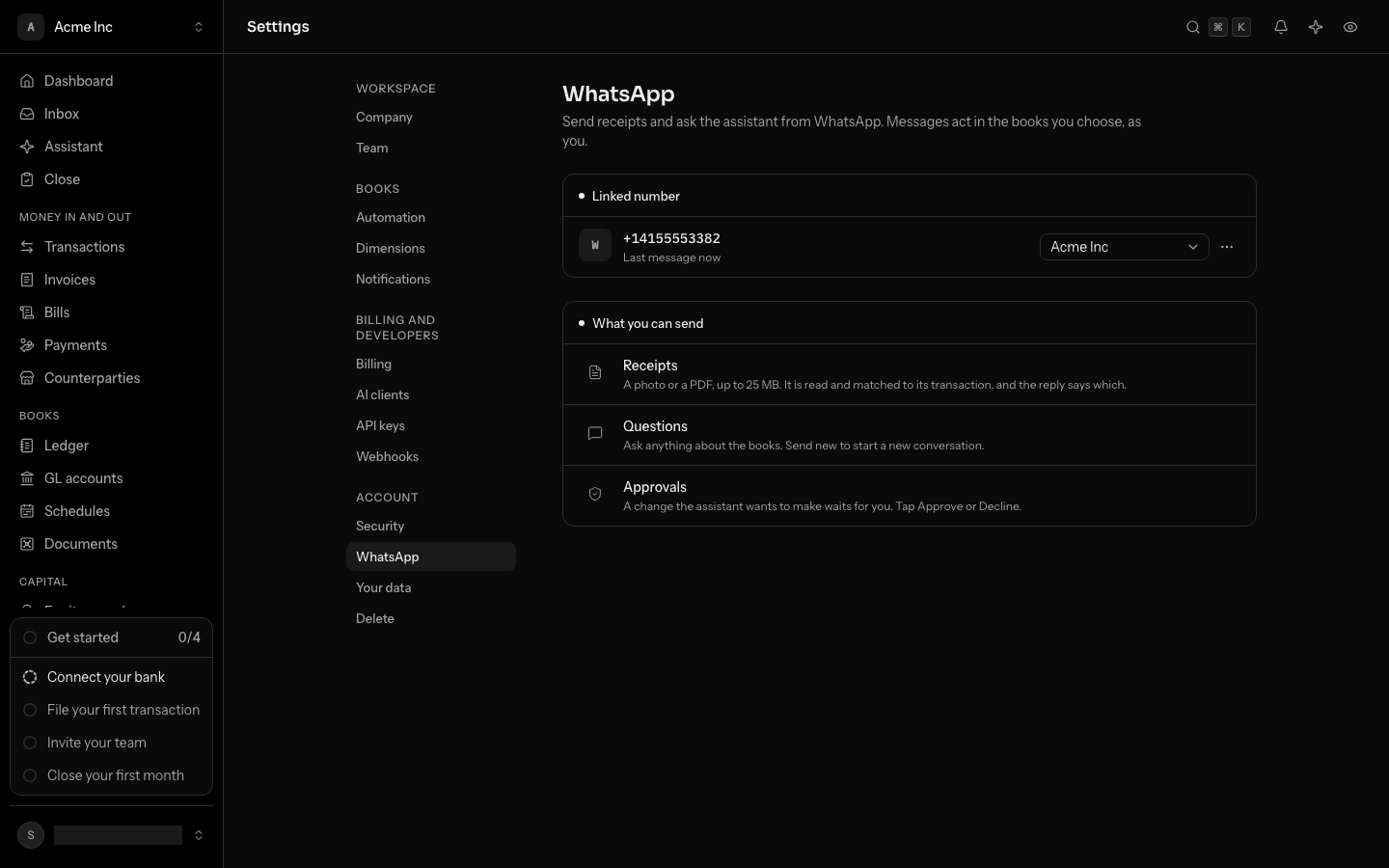
- Change the books: in Settings, WhatsApp, choose other books in the select beside your number. Your next message starts a new conversation there.
- Unlink: open the ⋯ menu beside your number and select Unlink, then confirm. Messages from the number stop reaching LedgerIt at once. Receipts it sent stay in the books.
The link also shows under Settings, AI clients as LedgerIt on WhatsApp. Disconnecting it there unlinks WhatsApp too, and so does losing access to the books.