Close and reports
Foreign currency and revaluation
Record money that moved in another currency at the rate it moved at, keep the rates your books use, and revalue foreign balances at month end.
Your books are kept in one currency, the one you chose when you set them up. Money that moves in another currency, such as a euro payment into a euro account or a contractor billing in pounds, is recorded in both. Each line keeps the amount in the currency it moved in, the rate it moved at, and what that comes to in your books' currency. Rates and revaluation are on the Foreign currency page, which Close links to.
Record a line in another currency
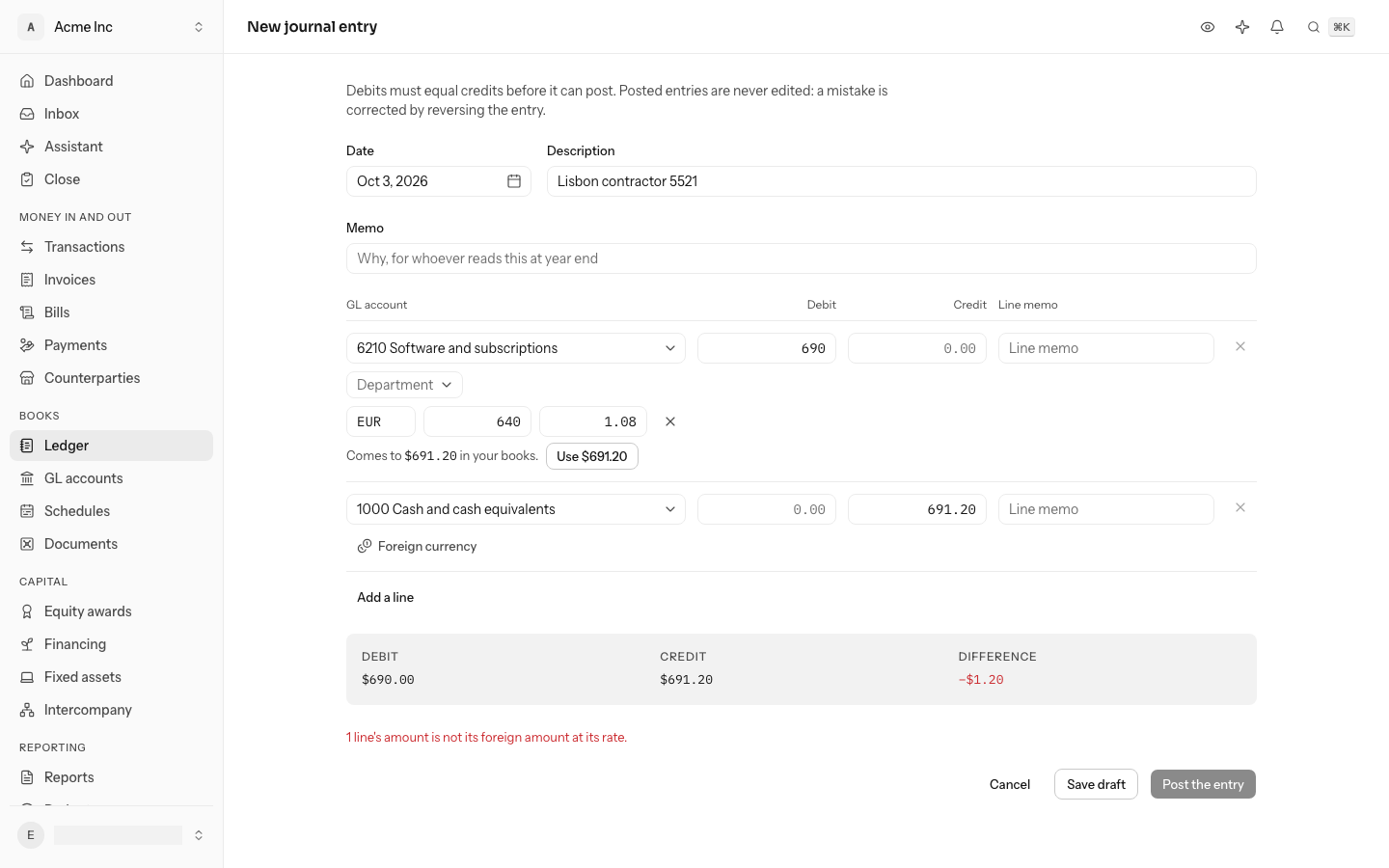
A journal entry line can say what it moved in: the currency, the amount in that currency and the rate. Its amount in your books' currency must be that amount at that rate, rounded to the smallest unit your books' currency counts: the cent for dollars, the whole yen for yen. €1,000.00 at 1.10 is $1,100.00, and $100.00 at 149.123 is ¥14,912. LedgerIt refuses a line where the two do not agree, and so does the database underneath it.
When you write a journal entry:
- On the line, select Foreign currency.
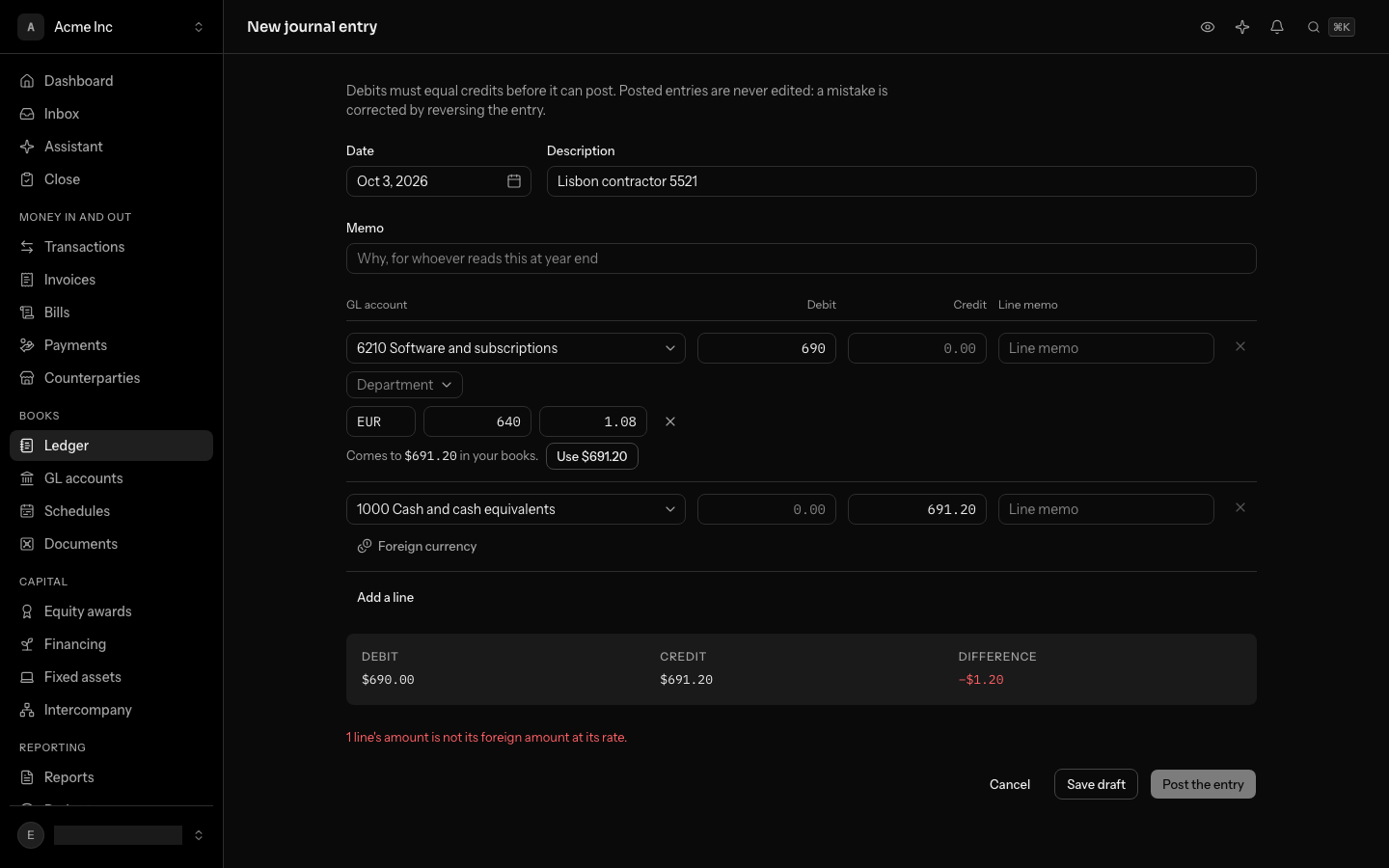
- Enter the Currency as its three-letter code, such as EUR, and the Amount in it.
- Check the Rate: one unit of that currency in your books' currency. If your books hold a rate for that currency on or before the entry's date, it is filled in; change it to the rate the money actually moved at.
- The line says what that comes to in your books. Select Use with that amount to write it into the line, on the debit side unless you have typed a credit.
The entry cannot post while a line's amount differs from its foreign amount at its rate. A draft keeps a line's currency, amount and rate once all three are filled in, and may be saved before the line's amount agrees with them: like its balance, that is checked when the draft posts. Editing a posted entry keeps each line's currency, amount and rate, ready to change.
Once posted, that line never changes. It keeps the rate it was booked at for good. On the entry's page, the line shows the amount in its own currency and that rate beside the account.
Keep the rates
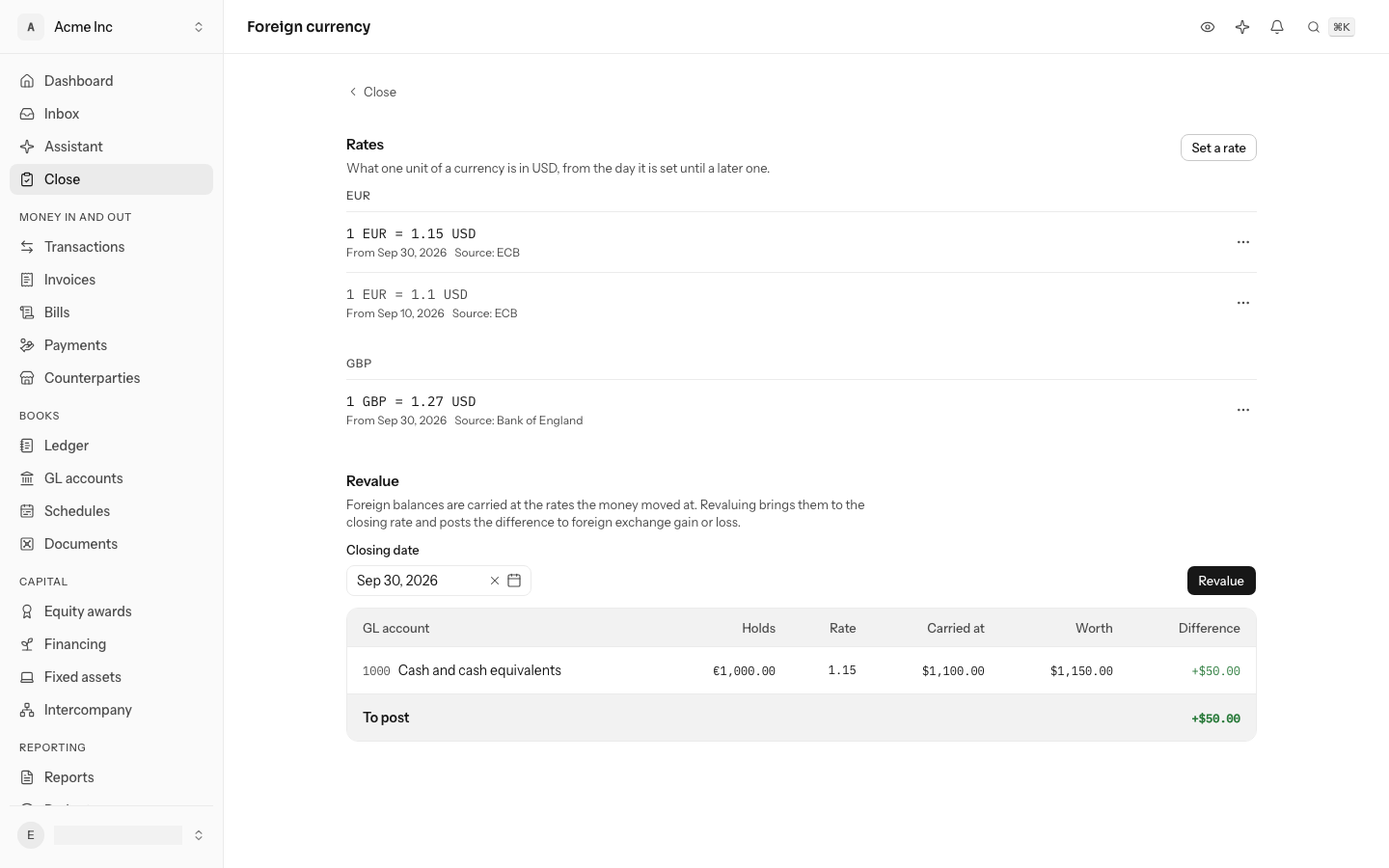
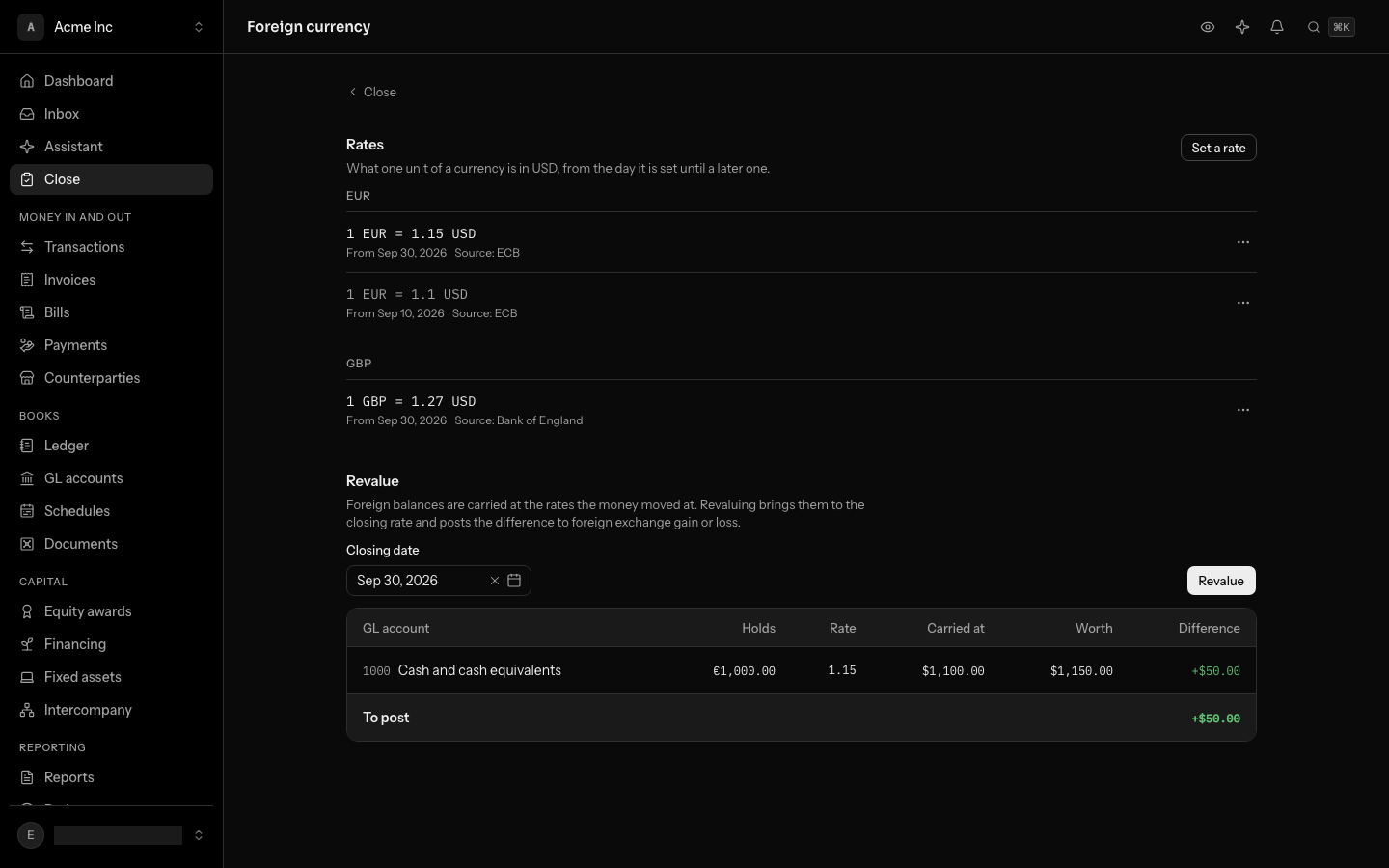
On the Foreign currency page, Rates lists each currency you have a rate for, newest first: the top one is the rate in force. Set a rate takes the currency's three-letter code, the day it holds From (the closing date below, unless you change it), the rate and an optional Source. In a rate's ⋯ menu, Correct changes its figure and Delete removes it.
An FX rate says what one unit of a currency is in your books' currency on a day, such as 1 EUR = 1.15 USD on September 30. A rate holds until a later one is set. You can set one rate per currency per day, correct it, or delete it.
Correcting a rate changes what the next posting and the next revaluation use. It never changes a line already in your books.
Revalue at month end
Under Revalue, choose the Closing date. The table is the preview: each account holding a foreign currency with what it Holds, the Rate, what it is Carried at, what it is Worth and the Difference, and the total To post. If a currency you hold has no rate on or before that day, the page says which. Revalue asks first, posts the entry and links to it; when nothing has moved, there is no button and the page says so.
- Sep 1Set a rateIt holds from this day until a later one is set.1 EUR = 1.10 USD
- Sep 12€1,000.00 arrivesPosted as $1,100.00. The line keeps 1.10 for good.Uses 1.10
- Sep 30Set the closing rateThe same euros are now worth $1,150.00.1 EUR = 1.15 USD
- Sep 30RevalueOne entry moves the account by +$50.00, a gain.Uses 1.15
A bank account holding euros was recorded at the rates the money moved at. At month end, the same euros are worth whatever today's rate says. Revaluing makes up the difference:
- Set the closing rate for each currency you hold, dated the last day of the month.
- Preview the revaluation. For each account holding a foreign currency, it shows the foreign balance, the rate in force, what the account carries in your books' currency, what that balance is worth at the rate, and the difference.
- Revalue. LedgerIt posts one revaluation entry, dated the closing day. Each account moves by its difference, against Foreign exchange gain or loss. A rise in an account you hold is a gain, and a rise in what you owe is a loss.
Revaluing again on the same rates posts nothing, because nothing has moved. If you then correct the closing rate, revaluing again posts only the new difference.
- Carried at
- $1,100.00
- Worth
- $1,150.00
- Gain
- +$50.00
The entry it posts
| Account | Debit | Credit |
|---|---|---|
| Euro account | $50.00 | |
| Foreign exchange gain or loss | $50.00 |
Euro account moves to what it is worth, and the gain goes to Foreign exchange gain or loss.
Receivables and payables are not revalued yet. Their gains and losses will come when a payment settles them.
Who can do what
Anyone in the books can read rates and preview a revaluation. Setting, correcting or deleting a rate, and revaluing, need a role that can post to the books: owner, admin or accountant.
Do this through the API
Everything in this guide is also an API call, for scripts and agents. The reference lists each operation with its parameters and objects.