Developers
Webhooks
Send what happens in your books to your own systems as it happens, signed so you can tell it came from LedgerIt.
A webhook sends each thing that happens in your books, such as an entry posted, a month closed or a member invited, to an address you run. Your data warehouse, an automation tool or your own service hears about it within a minute, without asking the API over and over.
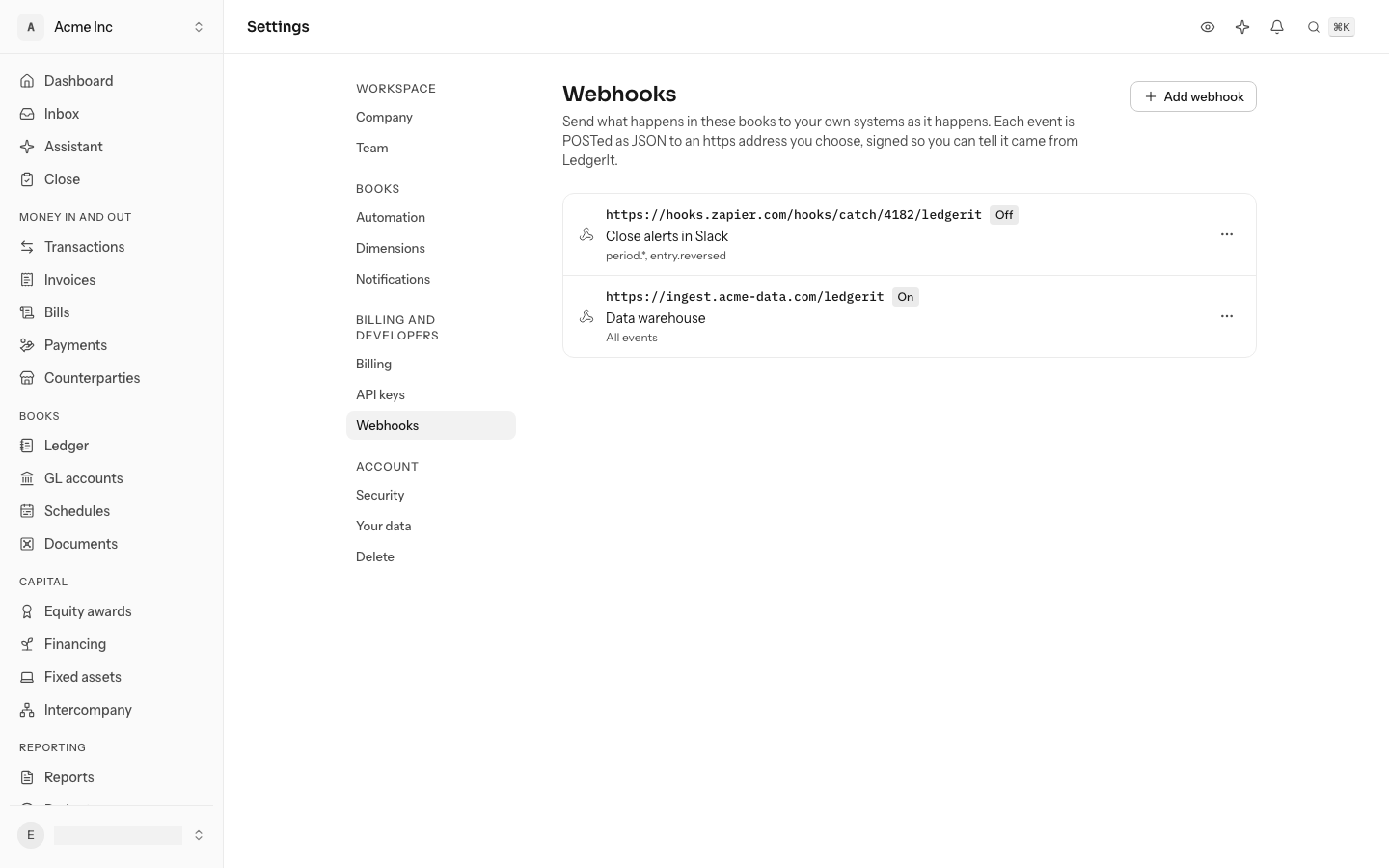
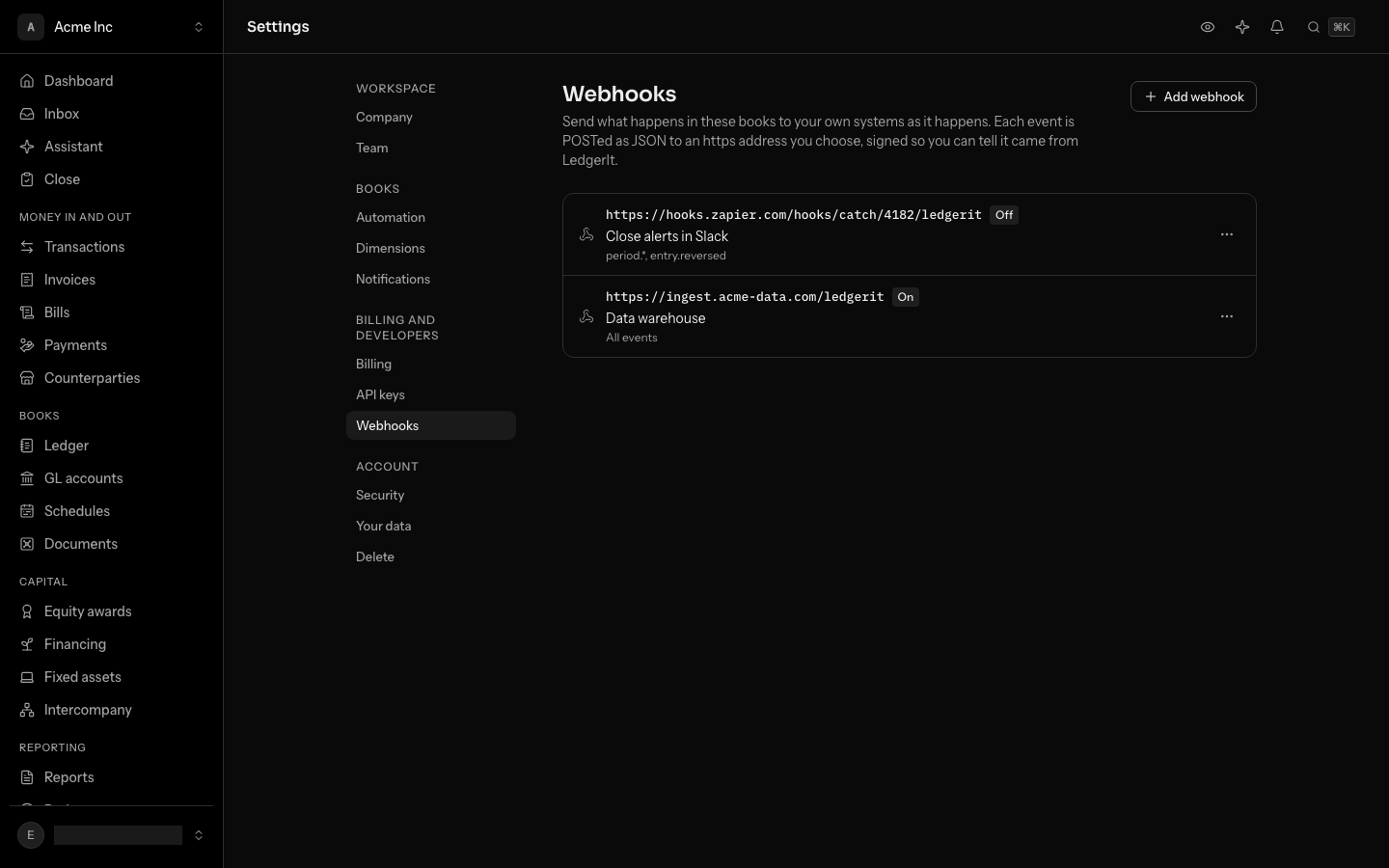
Owners and admins manage webhooks. Each set of books can send to up to 10 addresses.
Add a webhook
- Open Settings and go to Webhooks.
- Choose Add webhook.
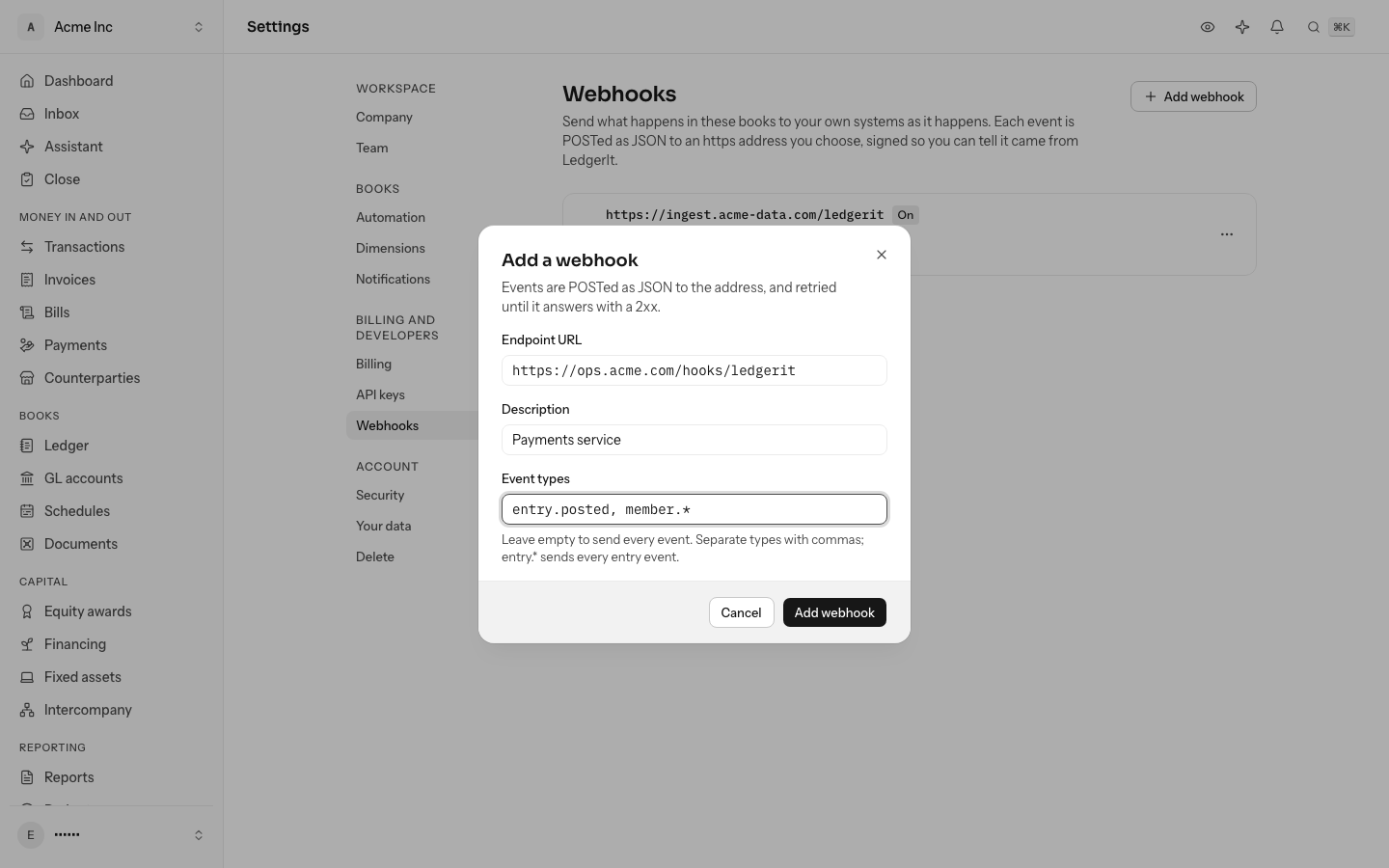
- Enter the Endpoint URL. It must be an https address on the public internet.
- Give it a Description, such as "Data warehouse", so you know what it feeds.
- Under Event types, list the events it should get, separated by commas, or leave it empty for every event.
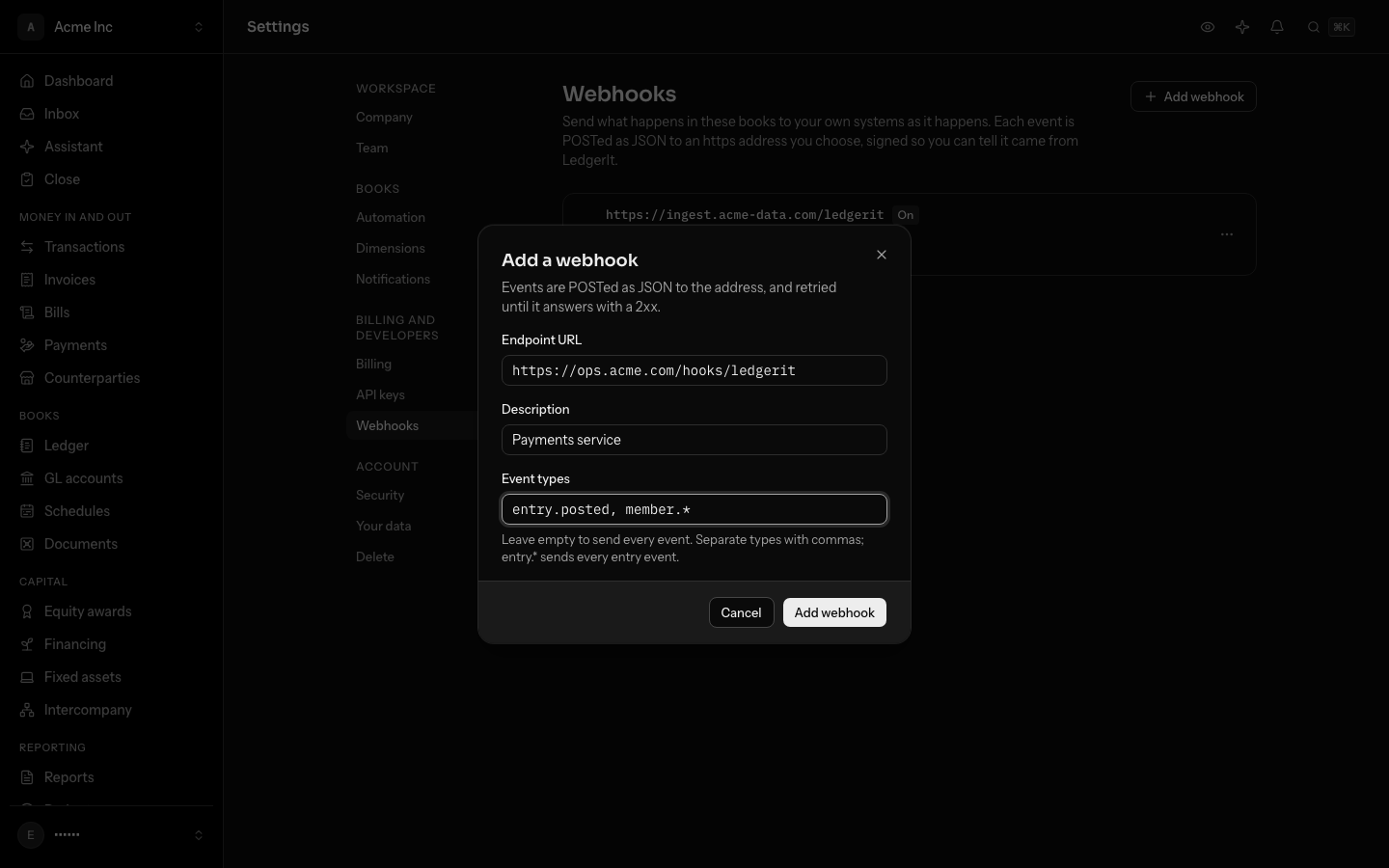
entry.*sends every event whose type starts withentry.. - Choose Add webhook. Its signing secret opens straight away; copy it into the service that receives the events.
A webhook hears about what happens after it is added, not before.
What each delivery carries
Each event is sent as a POST with a JSON body:
{
  "id": "evt_01k6p3r8vxf0s9q2m7c4d5e6fg",
  "type": "entry.posted",
  "created_at": "2026-10-03T06:12:09.481Z",
  "entity_id": "ent_01k5z1a2b3c4d5e6f7g8h9j0km",
  "data": {
    "subject_type": "journal_entry",
    "subject_id": "je_01k6p3r8tq9w8e7r6t5y4v3a2b",
    "actor_kind": "user",
    "actor_id": "usr_01k5z1n2m3b4v5c6x7z8a9s0dq",
    "detail": {}
  }
}
type is what happened: entry.posted, entry.reversed, period.closed, member.invited and so on. data says which record it was about and who did it. id is the event's own id, and it is also in the LedgerIt-Event-Id header.
The same event can arrive twice, for example when your service saved it but its answer was lost. Keep the ids you have handled and skip one you have seen.
Check the signature
Every delivery carries a LedgerIt-Signature header, such as t=1791007929,v1=5257a8…. t is when it was sent, in seconds, and v1 is the HMAC-SHA256 of t, a period and the raw body, under the webhook's secret. Compute it yourself and compare before you trust a delivery:
import { createHmac, timingSafeEqual } from "node:crypto";

function isFromLedgerIt(header: string, body: string, secret: string): boolean {
  const parts = Object.fromEntries(header.split(",").map((part) => part.split("=")));
  const expected = createHmac("sha256", secret).update(`${parts.t}.${body}`).digest("hex");
  const fresh = Math.abs(Date.now() / 1000 - Number(parts.t)) < 300;
  return fresh && timingSafeEqual(Buffer.from(expected), Buffer.from(parts.v1 ?? ""));
}
Rejecting a t more than five minutes old stops someone replaying a delivery they caught. To see the secret again, open the webhook's menu and choose Show signing secret.
Answer, and retries
Answer with any 2xx status within 10 seconds, then do the work. Anything else, including a redirect or a timeout, counts as a failure, and the delivery is tried again: after a minute, then waiting twice as long each time, up to once an hour.
A webhook whose deliveries have failed for three days without one landing is switched off and shows Off: failing. Nothing is lost: its deliveries wait. Fix the address, then choose Switch on from its menu, and everything that waited is sent.
Test it and see what was sent
- Send test event queues a
webhook.testevent for that webhook alone, so you can see your service answer. - Recent deliveries lists what was sent, newest first: each event type, how many tries it took, and, for one still waiting, why the last try failed, such as
HTTP 500.
Switch off or delete a webhook
Switch off stops sending; events that happen while it is off wait, and go when it is switched back on. Delete stops sending for good and drops whatever was still waiting.
Webhooks are also in the API as webhook_subscriptions, so a script can set them up. The API reference lists every operation.
Do this through the API
Everything in this guide is also an API call, for scripts and agents. The reference lists each operation with its parameters and objects.