Bookkeeping
Get missing receipts from cardholders
Get a missing receipt from whoever swiped the card. A member uploads it in their inbox; anyone else gets an email link that needs no account.
Card spend with no receipt is the item founders chase most, and the person who has the receipt is rarely the founder. LedgerIt gives the item to the person who swiped the card. If they are a member of the books, it waits in their inbox, and its Needs a receipt button uploads it. If they are not, LedgerIt emails them a link to a page where they upload a photo or a PDF, with no account and no sign-in. Either way the receipt lands on the transaction.
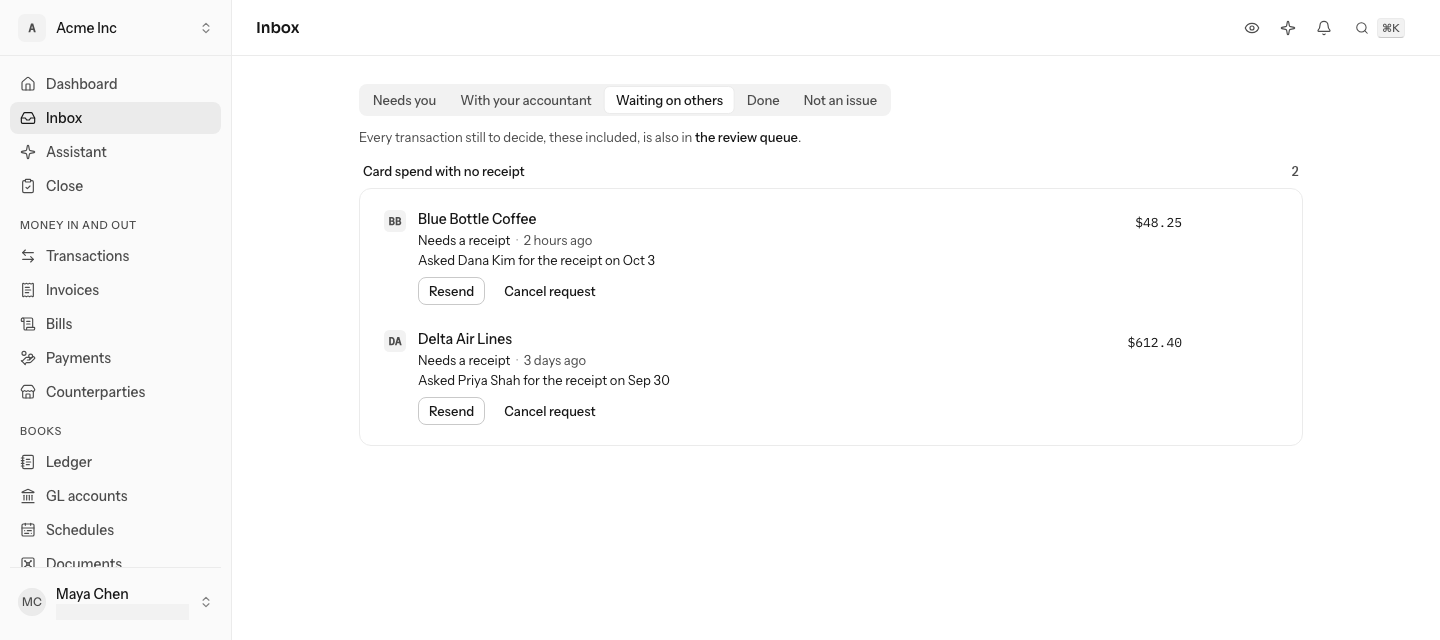
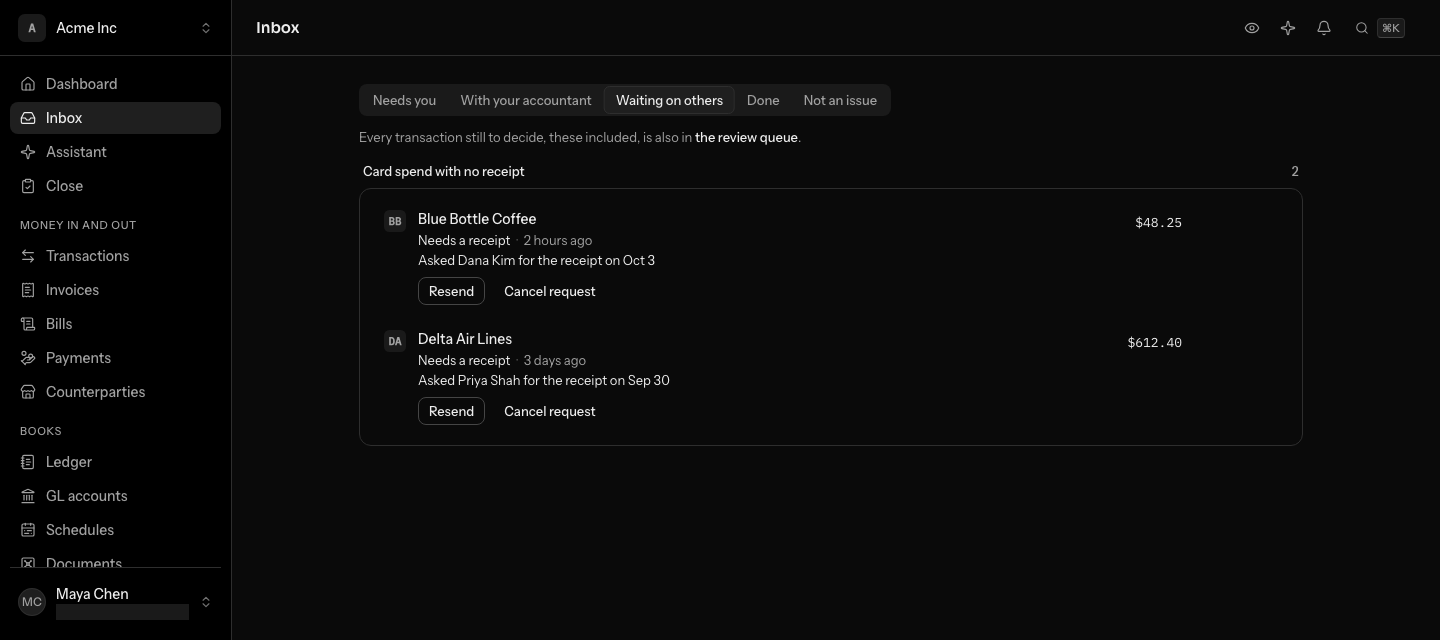
How a receipt is asked for
When a card transaction from Brex or Ramp comes in without a receipt, LedgerIt raises a Card spend with no receipt item (see Work the inbox) and works out who spent it. Brex and Ramp name the cardholder by their own id for them, with a name and an email address. LedgerIt keeps that person once and looks, in this order, for:
- the member you said they are, with It's me;
- the member who signs in with the address the card program gave;
- an address you saved before;
- the one member with the same name.
If the cardholder is a member, nobody is emailed. The item is theirs: it shows Assigned to Dana Kim to everyone else. About two hours later LedgerIt tells them, once, in the app and, if they linked their number, on WhatsApp, where they can answer with the photo (see Use LedgerIt from WhatsApp).
If the cardholder is someone outside the books and LedgerIt has their address, it sends the request within the hour and the item moves to Waiting on others, marked Asked Dana Kim for the receipt on Oct 3. If it has no address, the item stays where the inbox put it, under With your accountant or Needs you, with Ask Dana Kim. The button names the cardholder by their first name and first family name, beside their picture or initials; hold the pointer over it for the whole name, the address the card program has and which card program it is.
Upload a receipt for your own card


When the card is yours, the item says Your card: drop the receipt on this row.
- Drag the PDF or photo onto the item, or select Needs a receipt and pick the file. On a phone, Take a photo opens the camera.
- The receipt is attached to the transaction and the item closes.
Say a card is yours


A card program may know you under another name or address than the one you sign in with: Brex says Antoni Rosinol Vidal at your work address, and you sign in as Toni Rosinol with another. When nothing links the two, LedgerIt asks you on the item: Is this you on Brex?, with the name and address Brex has.
Select It's me. LedgerIt keeps the answer, so it does not ask again, and every missing receipt on that card becomes yours to upload. Until someone answers, nobody is emailed about a cardholder whose name matches a member's.
Say a card is not yours
Select Not me on the same question. LedgerIt keeps that answer too, so you are not asked about that cardholder again, and the receipt moves on:
- Another member whose name could be the cardholder's is asked Is this you on Brex? next.
- When nobody else could be them, LedgerIt emails the address the card program has for them, or, without one, Ask on the item asks you for an address.
Changed your mind? Select Undo on the message that confirms it. Later, it can be taken back through the API (cardholder_identities.undo_not_me), and you are asked again.
LedgerIt asks once per transaction. If the receipt arrives some other way first, by upload, a forwarded email or the card program, the request is withdrawn.
What the cardholder sees
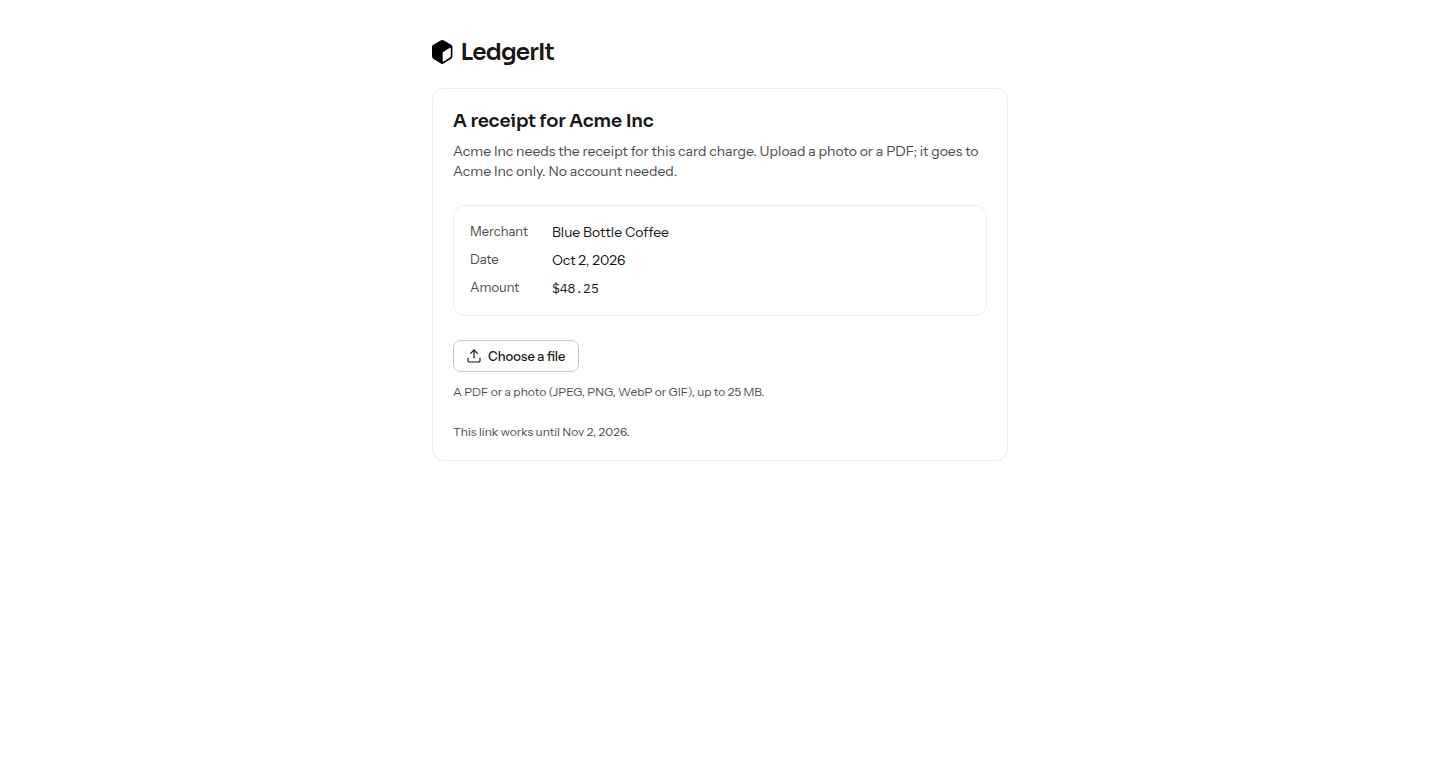
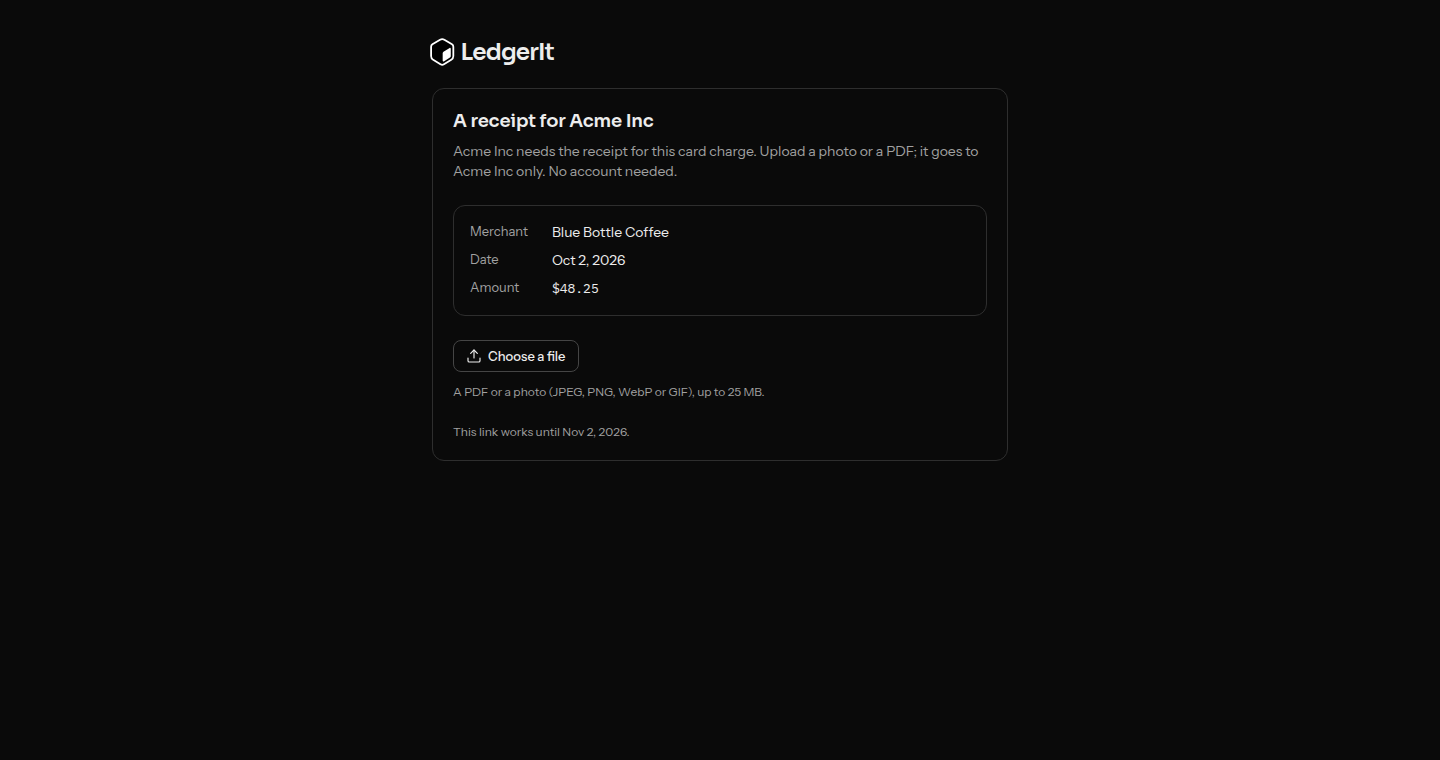
The email names the merchant, the date and the amount. The link opens a page with the same three facts and one upload: Choose a file, or Take a photo on a phone. A PDF or a photo (JPEG, PNG, WebP or GIF) up to 25 MB is accepted.
The upload is attached to the transaction, read like any other receipt, and the item closes. The link works once, for 30 days.
Reminders
A cardholder who has not uploaded is reminded on day 3 and on day 7, with the same link. Nobody is emailed about one request more than once a day. After 30 days the link stops working and the item goes back to Needs you.
Ask someone the books have no address for
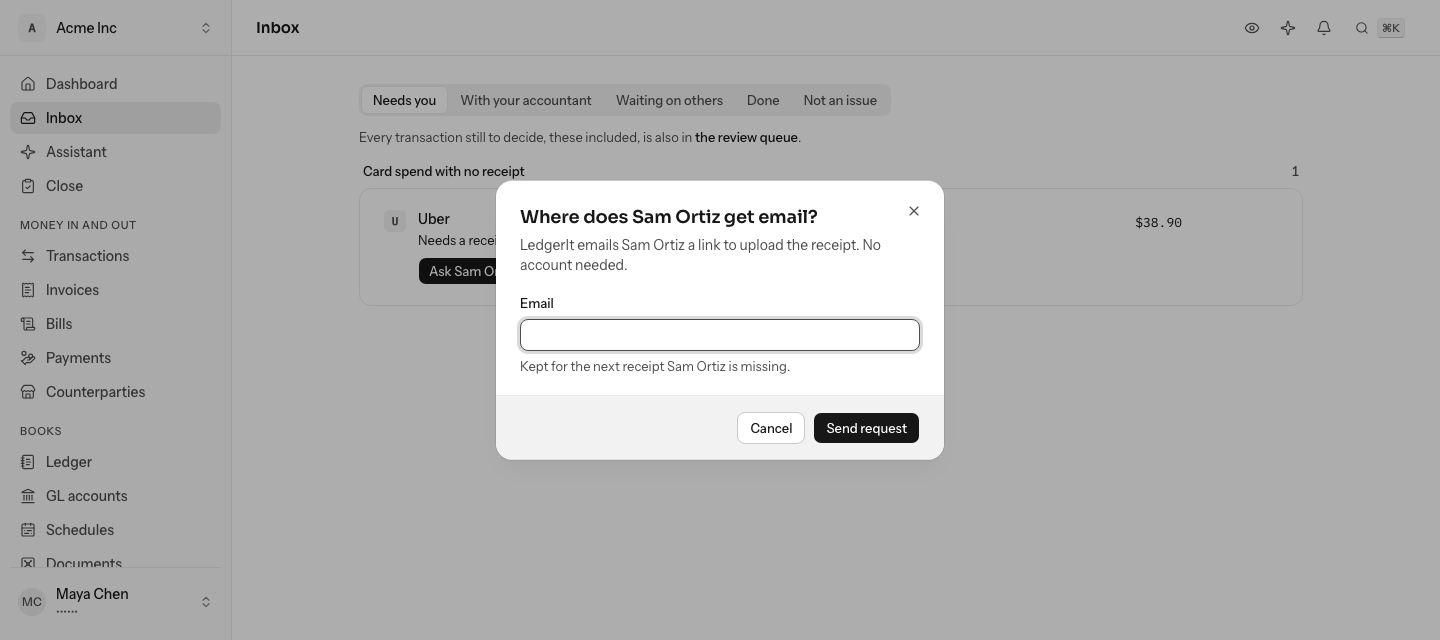
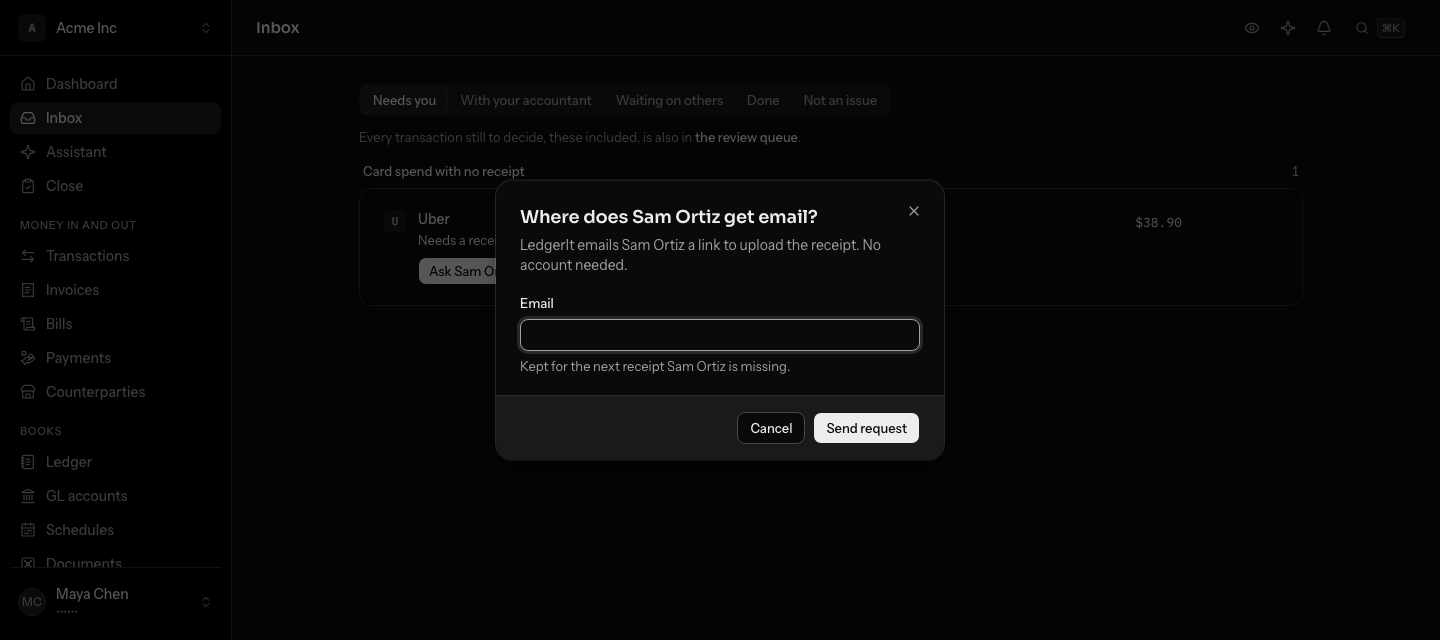
- On the item, select Ask Sam Ortiz, or Ask the cardholder when the card program named nobody.
- Enter their email address, and their name if the card program did not give one.
- Select Send request.
LedgerIt keeps the address under that name, so the next missing receipt from the same cardholder is asked for without you.
Resend or cancel a request
On Waiting on others, each item has two actions:
- Resend emails the same link again. A request that was emailed today cannot be resent until tomorrow.
- Cancel request stops the reminders and moves the item back to Needs you. The link stops working.
Turn automatic asking off
Open Settings, then Automation, and turn off Ask cardholders for missing receipts. Missing receipts then wait in the inbox like any other item, and Ask on an item still sends a request. It is on for new books.
Let LedgerIt read your Brex or Ramp team
LedgerIt reads each cardholder's email address from the card program's directory: Brex's team, Ramp's users. A connection that may not read it still syncs, cardholders are known by name, and LedgerIt asks you for an address it does not have. On Integrations the connection says Can't read your team, with Reconnect Brex (or Reconnect Ramp), and your dashboard says so too.
- Brex. A connection made before October 2026 lacks the permission. Select Reconnect Brex and approve at Brex.
- Ramp. Give your Ramp app the
users:readscope in Ramp's developer settings, then select Reconnect Ramp and enter its client ID and secret again.
The next sync reads the cardholders and the badge goes away.
Who can do what
Asking, resending and cancelling need a role that can post to the books: owner, admin or accountant. Uploading a receipt for your own card needs a role that can attach receipts. Anyone in the books can say a card is theirs, or not theirs. Only an owner or admin turns automatic asking on or off. A cardholder outside the books needs nothing but the link.
Do this through the API
Everything in this guide is also an API call, for scripts and agents. The reference lists each operation with its parameters and objects.
- Receipt requestsMissing receipts asked of the person who swiped the card, by email, with reminders.7 operations
- Cardholder contactsThe email addresses the books keep for cardholders a card program names without one.5 operations
- Cardholder identitiesThe people a card program names, by its own id for them, and the member of the books each one is.8 operations