Close and reports
See who did the accounting work
Read each person's year of work as a heatmap, follow the books' feed, open any piece of work to see what it changed, and tell a person's work from Ledger AI's.
Every time someone categorizes a transaction, reconciles an account, posts an entry or signs off a close task, LedgerIt counts it as a contribution. Each person has a profile with a year of their work, and the books have a feed of what everyone did. Ledger AI's work is counted too, but always as Ledger AI's.
What counts
These count as work:
- categorizing, matching, reconciling and excluding transactions;
- a reconciliation that balances;
- posting, correcting and reversing journal entries;
- creating and changing rules;
- resolving open items, completing close tasks, and closing or reopening a month;
- approvals;
- adding and updating counterparties;
- imports and attached receipts.
Opening a page, searching and reading never count. Neither does inviting someone.
Some work counts once a day:
- Doing the same work on the same record more than once in a day counts once. Changing a transaction's category five times in a morning is one contribution.
- Undoing something you did that day takes its contribution back. This covers a close task's sign-off and a match.
Every change still stays in the audit trail.
Play the morning one step at a time and watch the counts.
Open a profile
- Select a person's name anywhere it is shown: the feed, a row in the audit trail, or Settings → Team. For your own profile, open the menu under your name at the bottom of the sidebar and select Your profile.
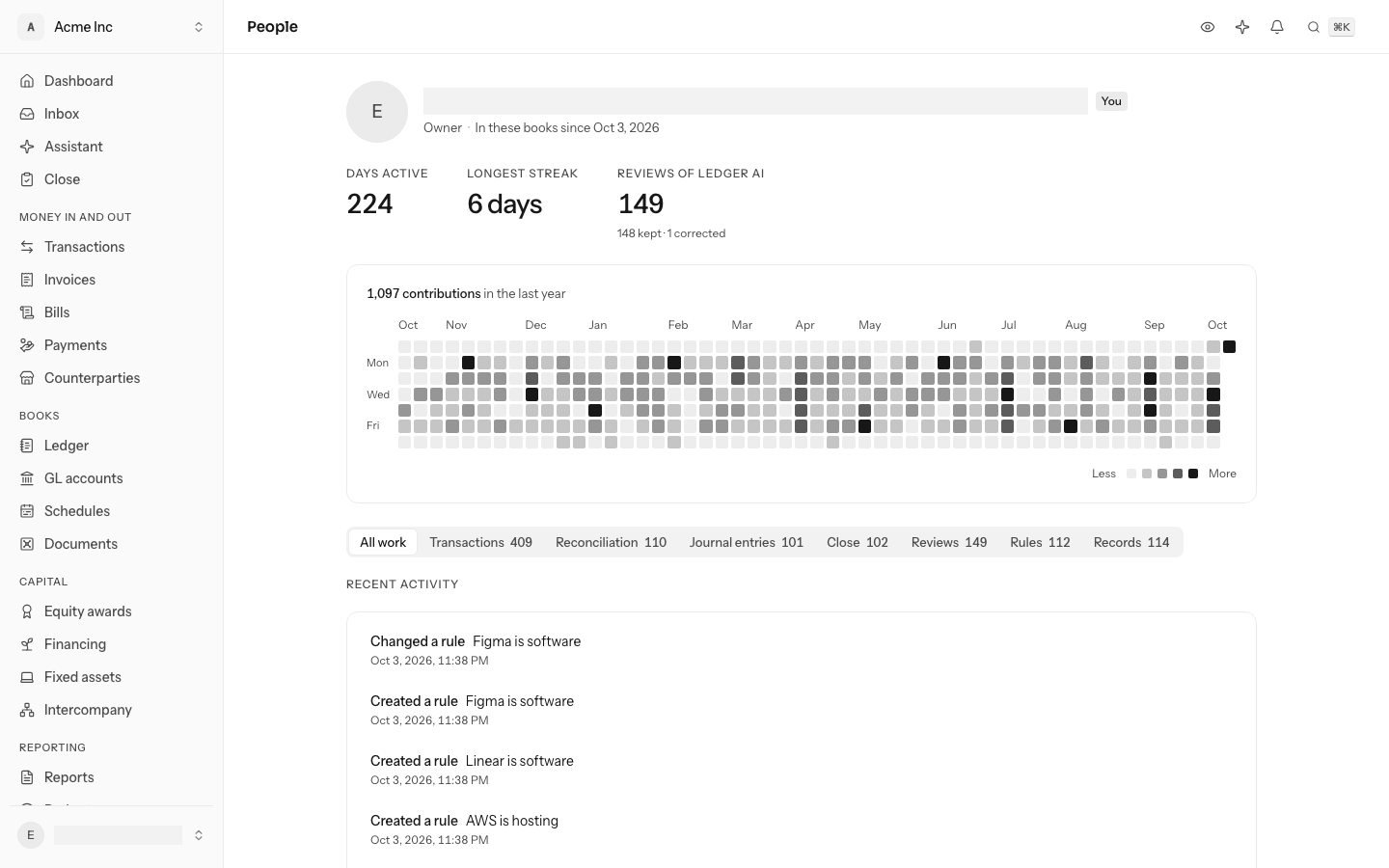
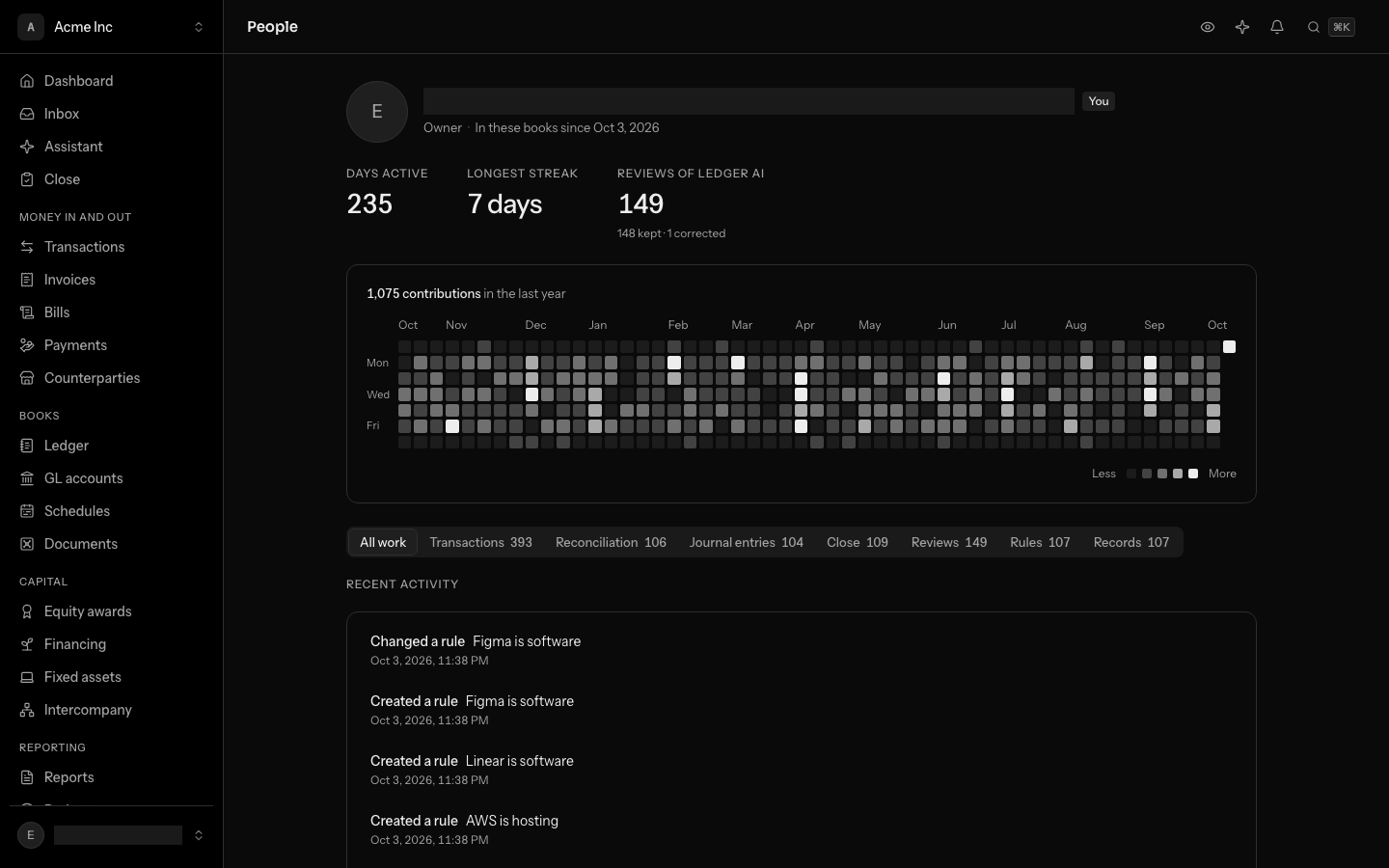
- Under the name: Days active, Current streak, Longest streak and Reviews of Ledger AI. A streak shorter than 2 days is not shown.
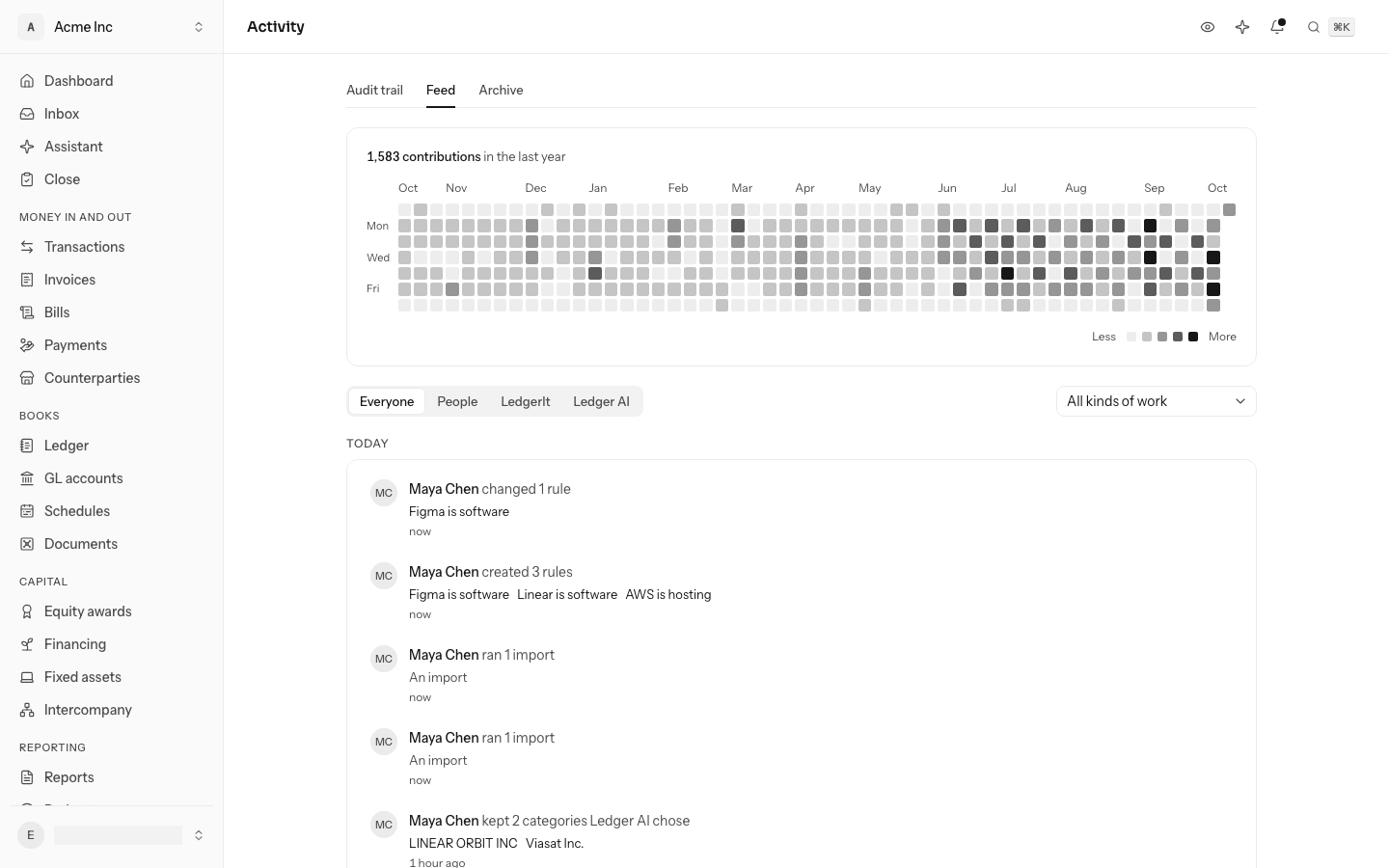
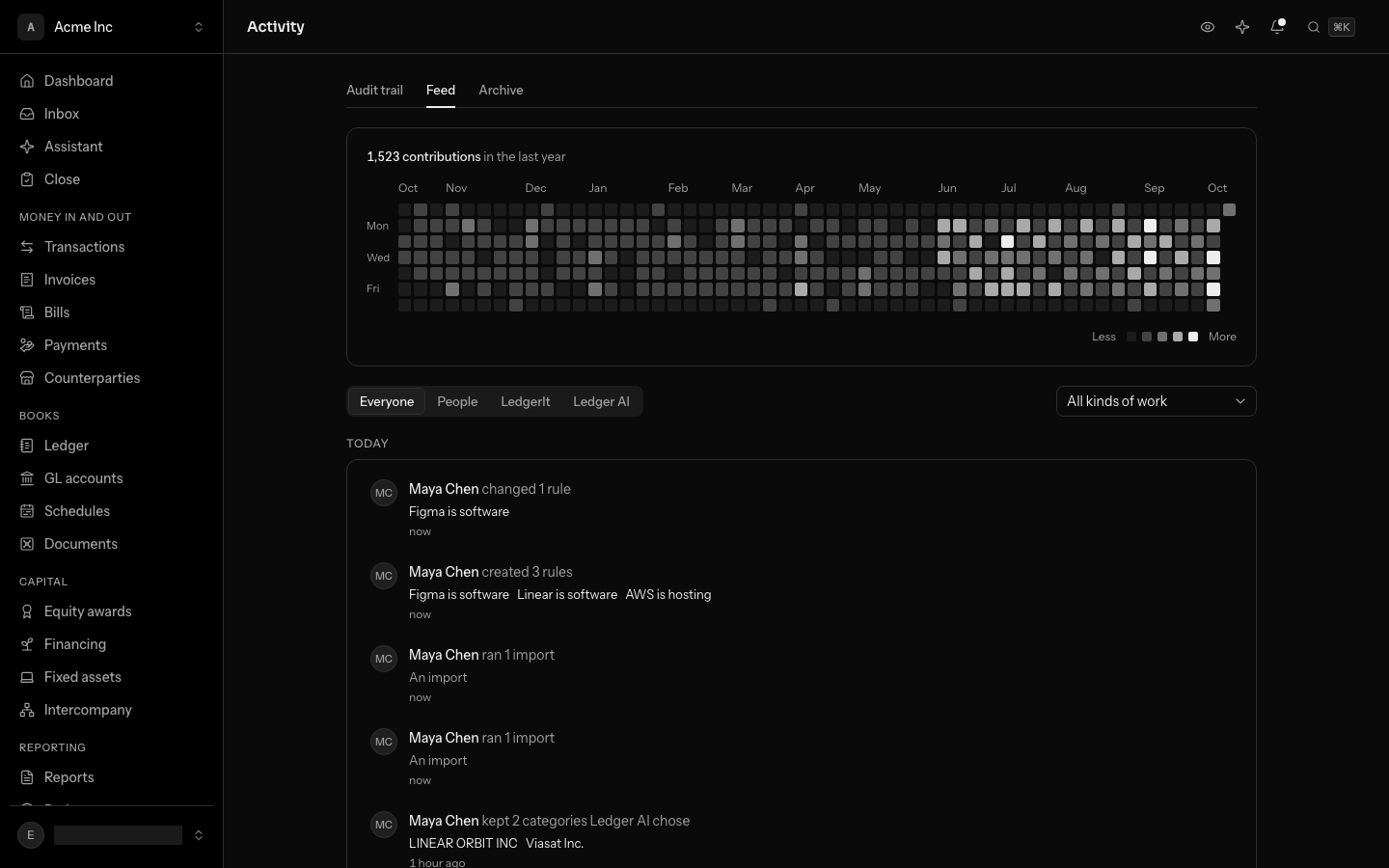
- Next, the grid shows the last year, one square per day. The darker the square, the more work that day. Less and More under it show the scale. Select a square on the scale to highlight the days at that level.
- Their recent work comes under the grid. The tabs (Transactions, Reconciliation, Close, Rules and the rest) narrow it to one kind of work, each with how many there were.
A profile shows only the work done in the books you have open. Anyone who can read the books can open anyone's profile in them.
Change your name or picture
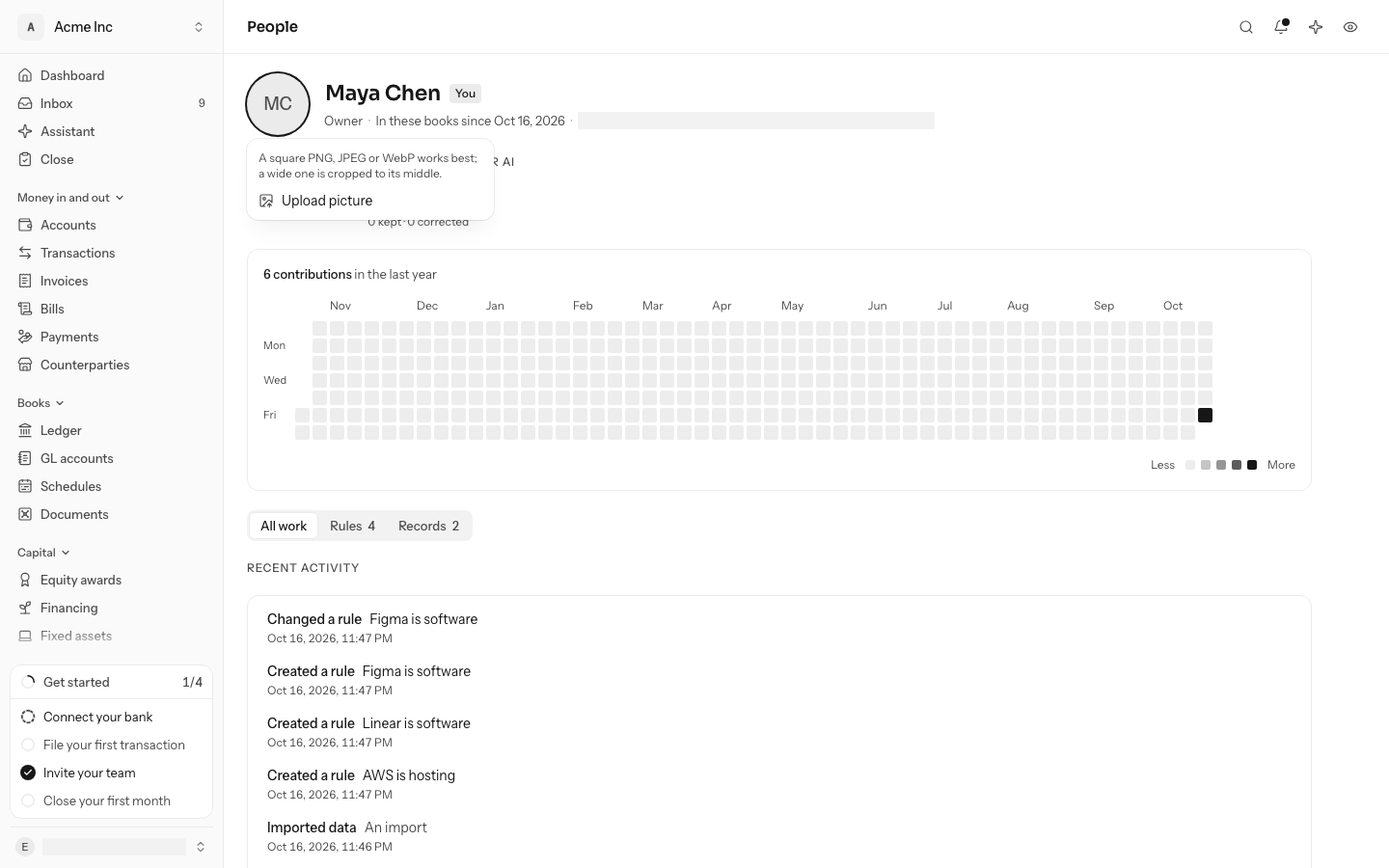
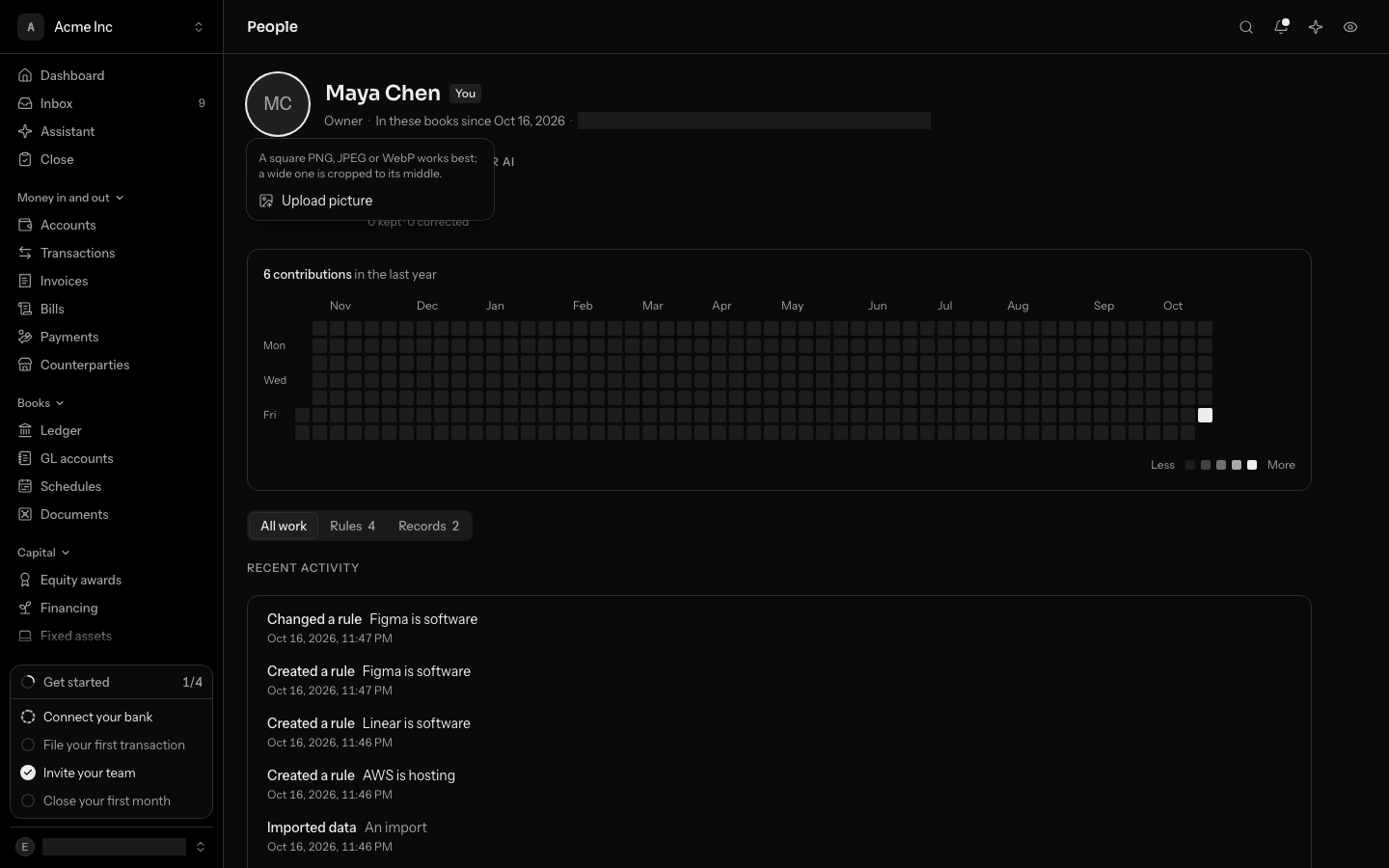
On your own profile, marked You, the name and the picture are changed where they stand. Choose the name, type the new one and press Enter; Escape keeps the old one. Choose the picture to upload one, and, with a picture already, to replace or remove it. The sidebar and every members list show the change at once. Your email is changed from Settings, under Profile.
See what happened on a day
- Select a day on the grid. With the keyboard, tab into the grid, move with the arrow keys and press Enter.
- The list shows that day's work with the time of each piece. Each line names the record it was on: select it to open the transaction, entry, account or month.
- Show every day goes back to the whole year.
Follow the books' feed
- Open Activity, then select Feed.
- Work done together is one line: "Maya Chen categorized 34 transactions". A line for Ledger AI's categorizations also says how many a person has since kept or corrected, and who.
- Use Everyone, People, Ledger AI and LedgerIt to narrow the feed by whose work it was, and All kinds of work to narrow it to one kind.
- Select a day on the grid above the feed to see only that day.
Open one piece of work
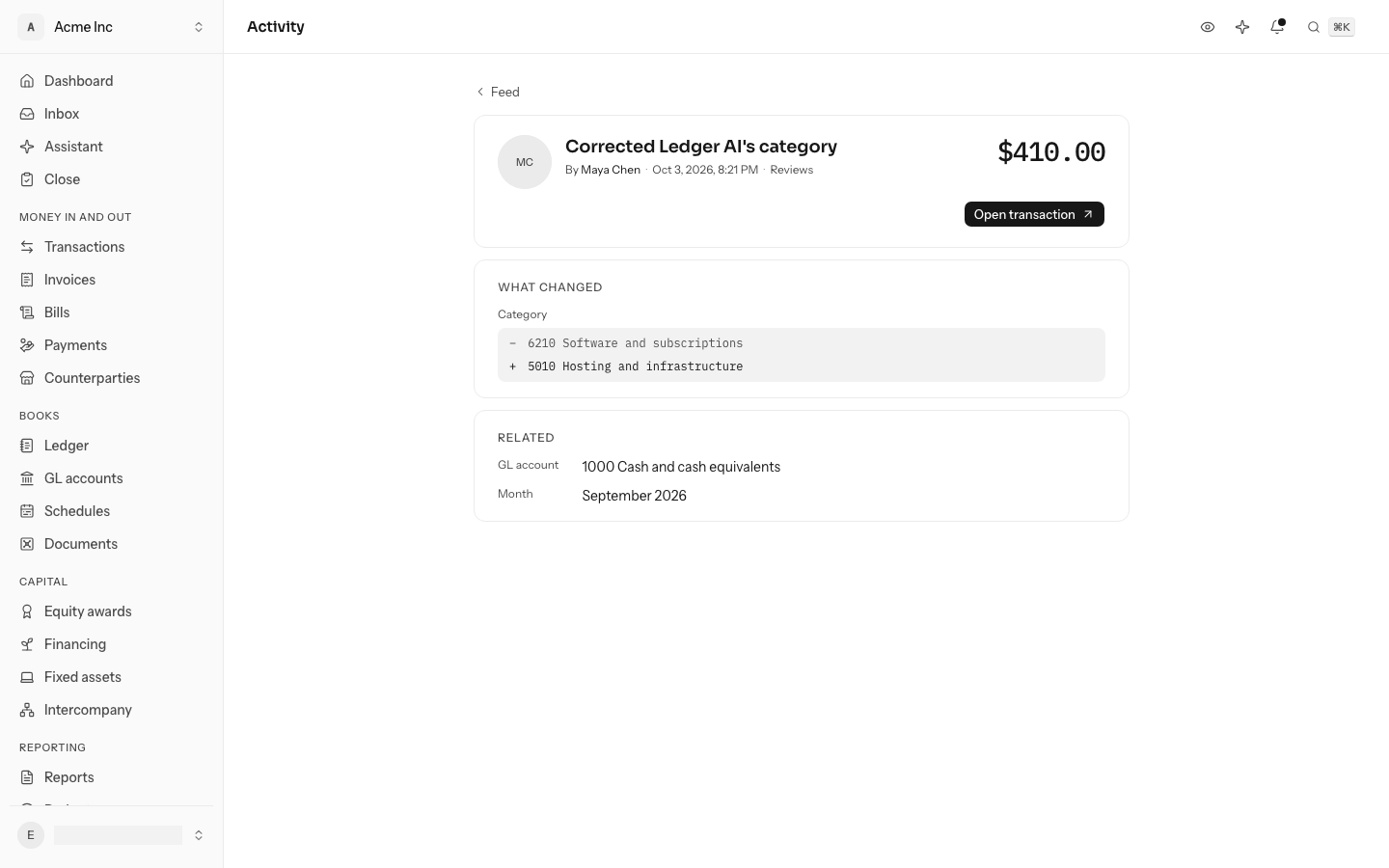
Select the time on a line to open that piece of work on its own page. The page shows:
- who did it and when;
- the record it was on, with a button to open it;
- What changed: what it was before and what it is now, such as the category a transaction moved from and to;
- Journal lines: the lines it wrote, marked +, and the lines it took back, marked −;
- Related: the transaction, journal entry, account and month around it.
Ledger AI's work and yours
When Ledger AI files a transaction, the contribution is Ledger AI's, not yours. When you then decide on it, the contribution is yours, and it says what you did:
| It says | It means |
|---|---|
| Kept Ledger AI's category | You filed it where Ledger AI proposed. |
| Corrected Ledger AI's category | You filed it somewhere else. |
Reviews of Ledger AI on a profile counts both, so a profile shows how much of the model's work a person checked.
Read it through the API
Contributions and profiles can also be read through the public API. See the contributions and people references.
Do this through the API
Everything in this guide is also an API call, for scripts and agents. The reference lists each operation with its parameters and objects.