Bookkeeping
Record money between your companies
Record what one company of your group owes another once. LedgerIt posts it in both sets of books, keeps the balance with each, and reverses both together.
When a parent funds a subsidiary's payroll, or one company pays for software the others use and charges them their share, each set of books has to show it: one is owed the money, the other owes it. Intercompany records that once and posts an entry in both sets of books together, so the two always agree.
It works between sets of books of the same organization. Add a second set of books from the books menu at the top of the rail first.
Find your way around
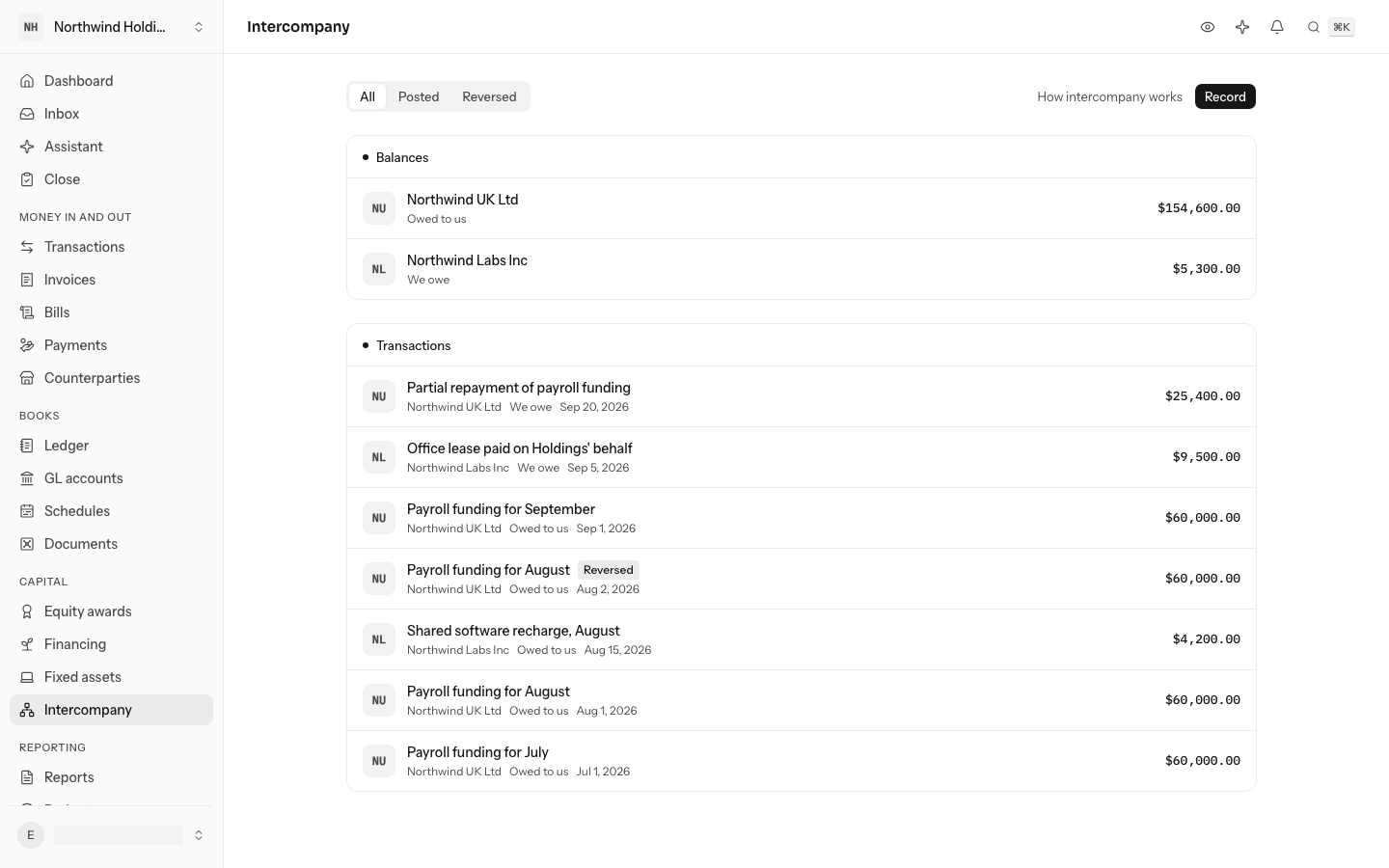
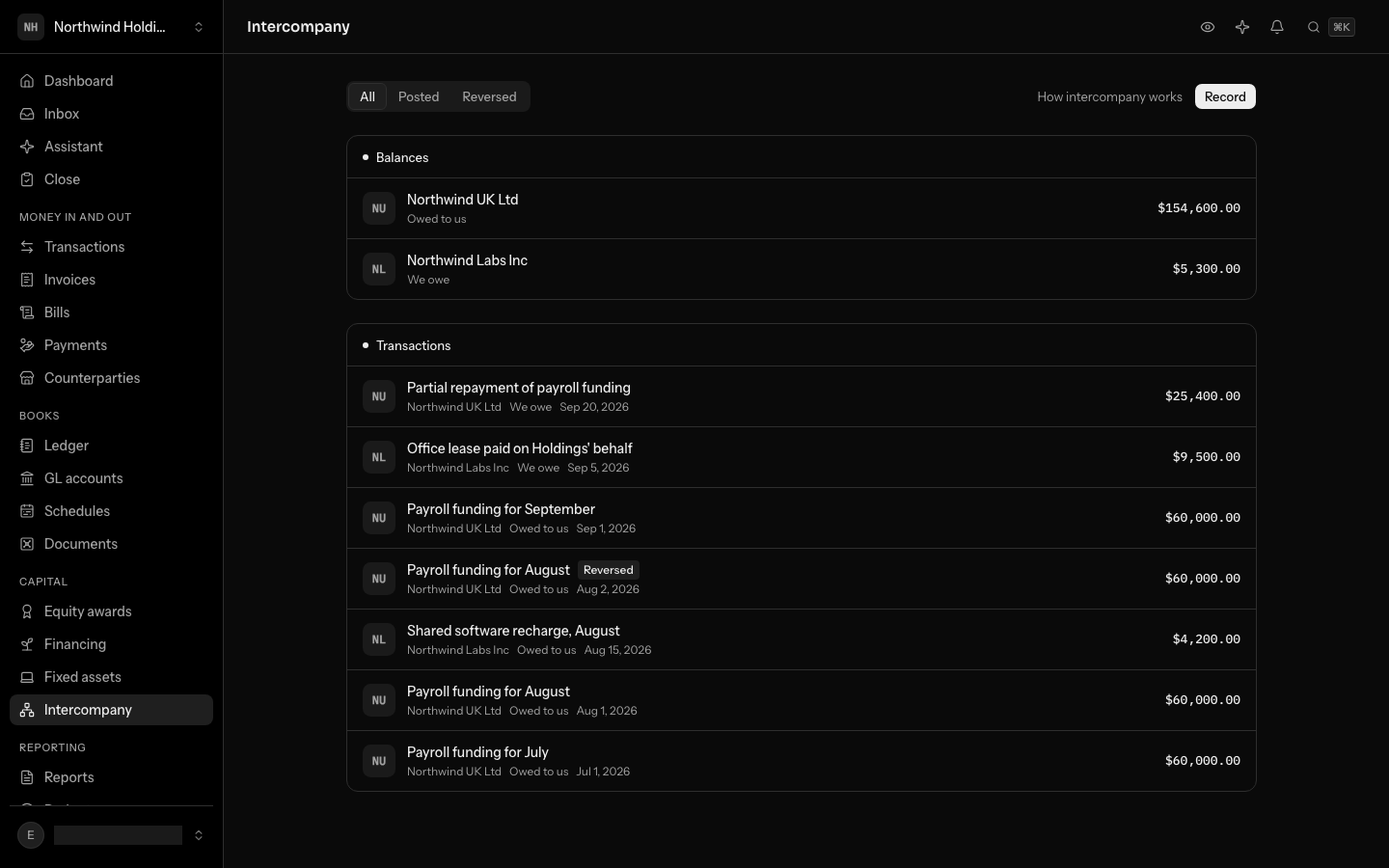
Intercompany is on the left rail, under Capital; from the keyboard, press G then K. The page opens on the set of books you are in.
- Balances lists each other set of books and what is owed between you, net of every transaction still posted: Owed to us when they owe these books, We owe when these books owe them, Settled at zero. Amounts are in these books' currency.
- Transactions lists each one, newest first, with the other books, which way it runs, its date and its amount in these books' currency. Show narrows the list to Posted or Reversed ones.
The same transaction appears in both sets of books, each seeing it from its own side.
Record a transaction
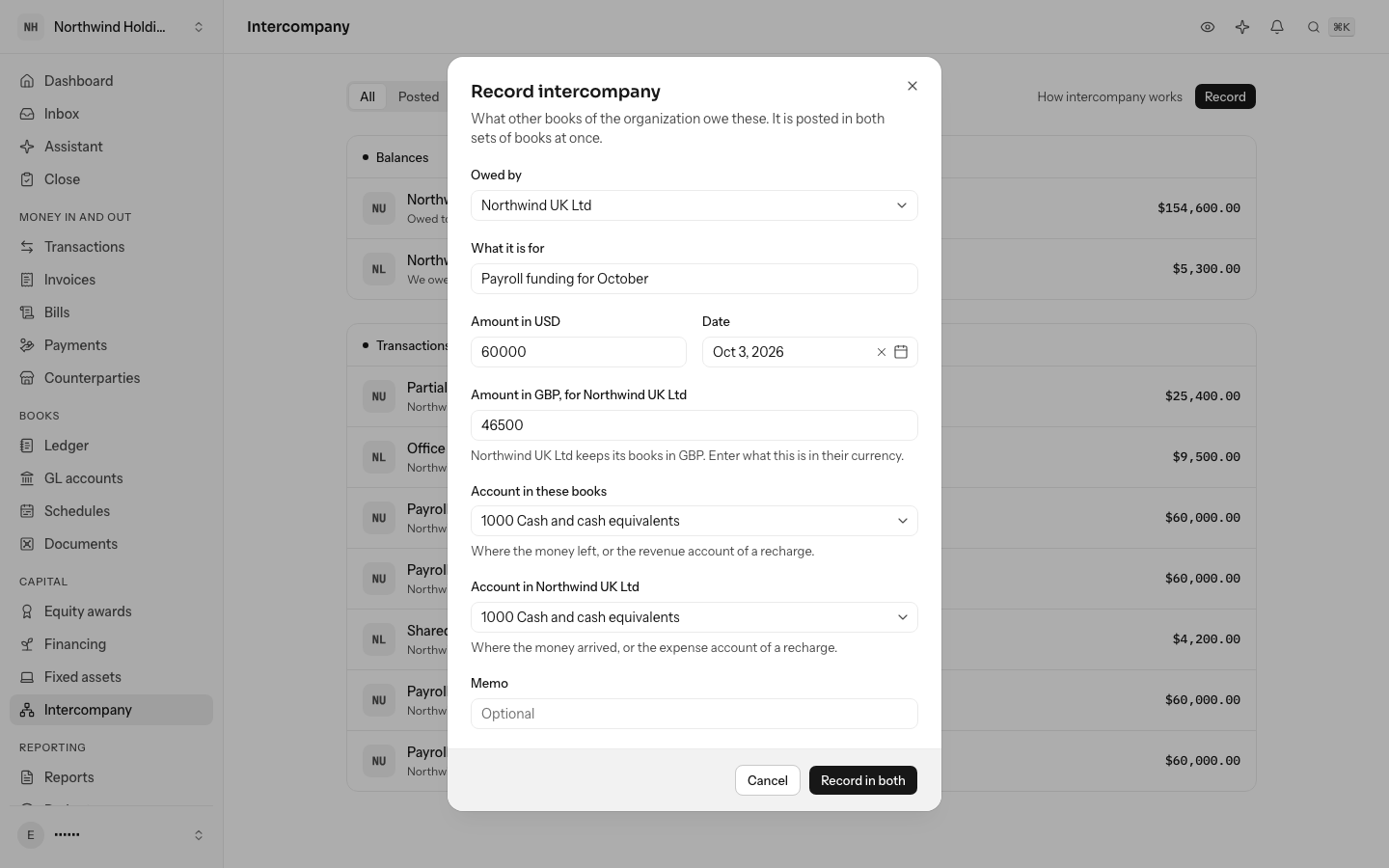
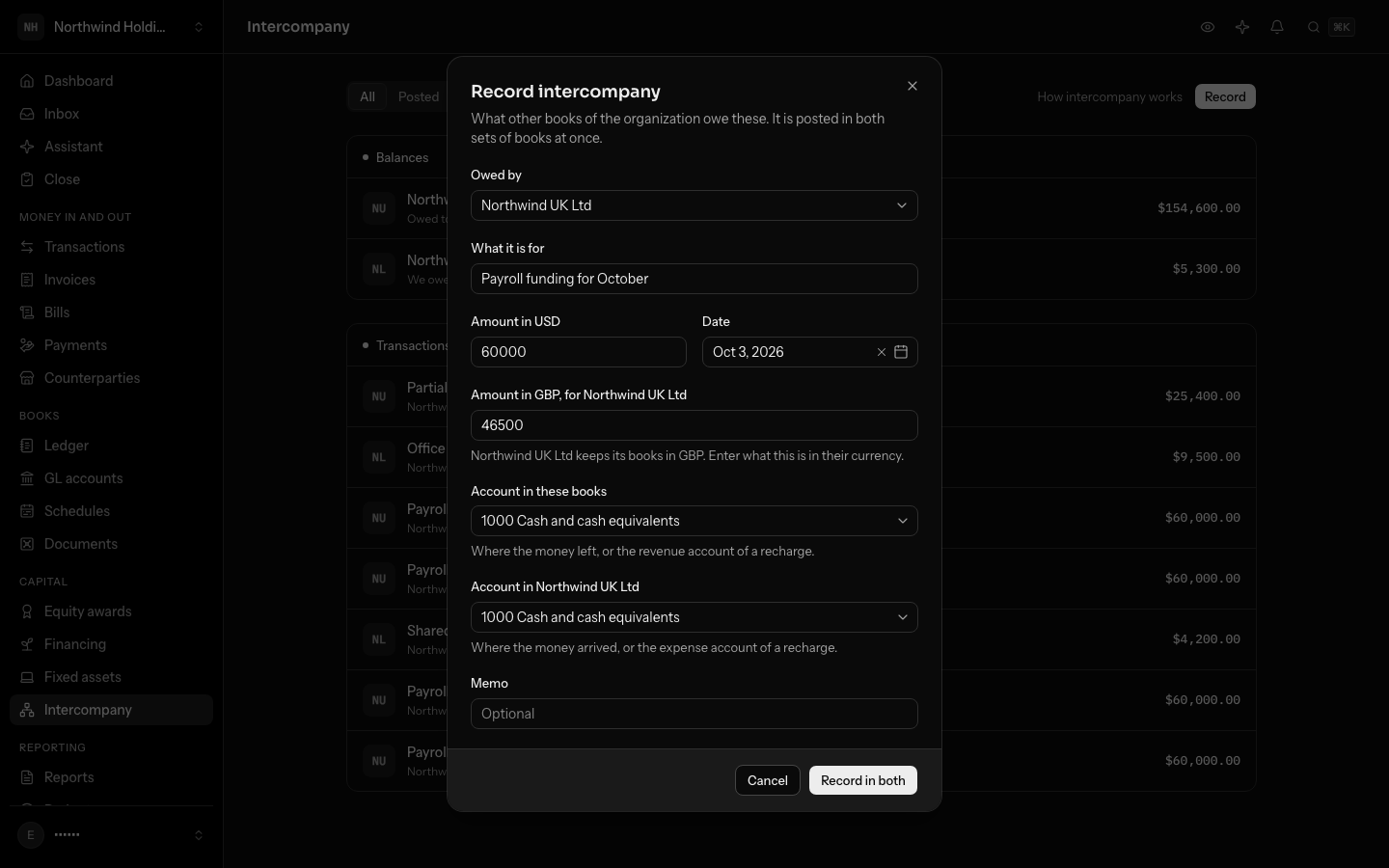
Select Record. Record from the books that are owed the money.
- Owed by: the other set of books, the one that owes these. Only books of your organization where you can post are listed.
- What it is for, the Amount in these books' currency and the Date. Both entries take this date.
- When the other books keep another currency, LedgerIt asks for the amount in theirs as well. Each set of books records its own amount, and no exchange rate is applied for you.
- Account in these books: where the money left (a bank account for an advance), or the expense account the cost came from for a recharge.
- Account in the other books: where the money arrived, or the expense account a recharge lands in.
Record in both posts two entries in one step:
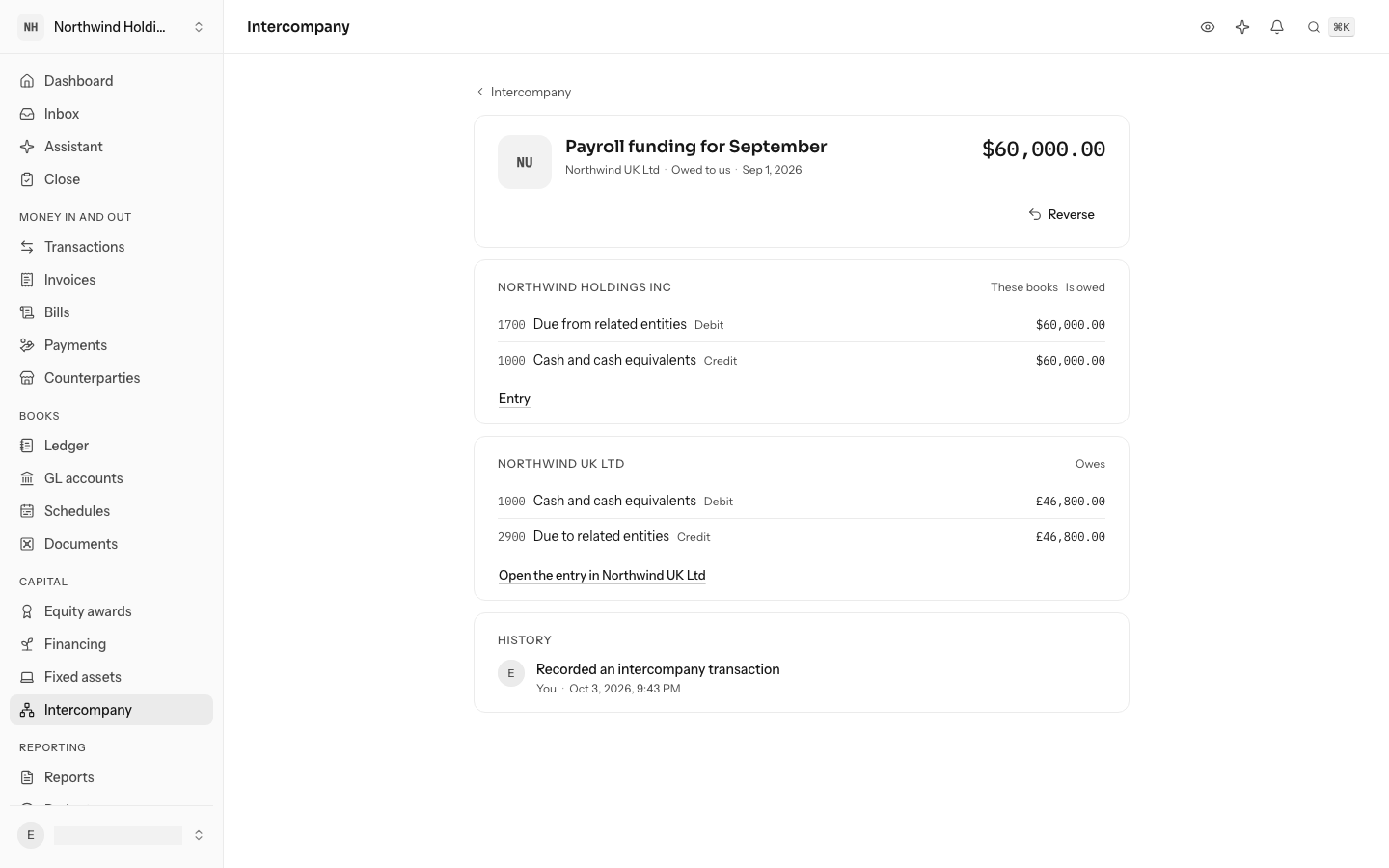
- In these books, a debit to 1700 Due from related entities and a credit to the account you chose.
- In the other books, a debit to their account and a credit to 2900 Due to related entities.
Both accounts are added to a set of books the first time it records an intercompany amount. Either both entries are posted or neither is. Recording needs posting rights in both sets of books.
To record money paid back, record it the other way: from the books that paid it, owed by the books that received it. The balance between the two goes down by that amount.
From a bank transaction
When one company's bank shows the money, open that transaction's GL account picker and choose Intercompany from or Intercompany to the other company, under Owner and financing. It is recorded here, in both sets of books, from the transaction's date, amount and description. Each company's bank transaction for it is linked as its evidence, so the cash counts once in each set of books; when the other company's has not arrived yet, its side waits in its 1090 Cash in transit until it does. A transaction recorded here first takes its bank transactions the same way when they arrive.
Read one transaction
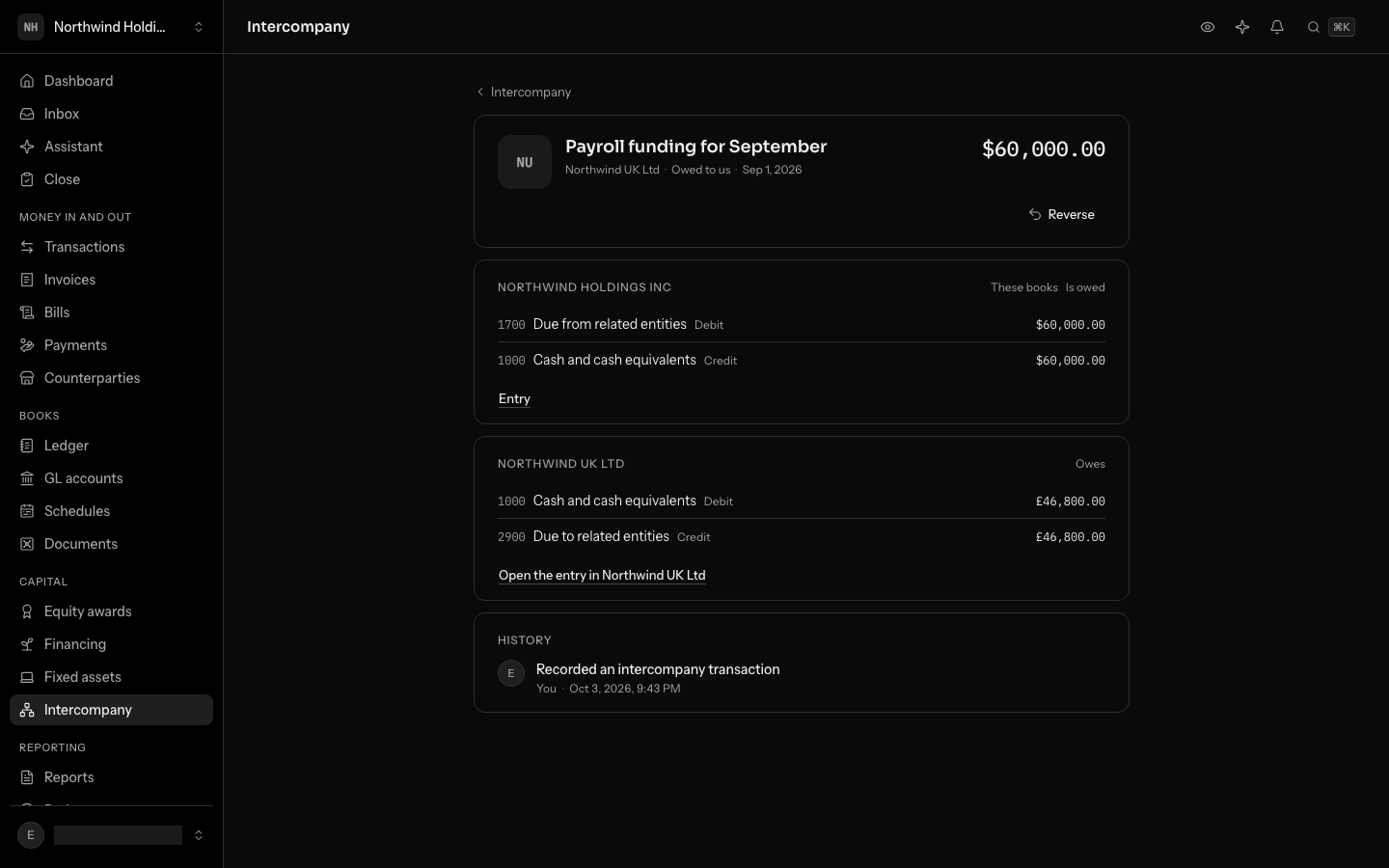
Select a transaction to open it. Each set of books has its own section: the two lines of its entry and a link to the entry. The other books' entry is in their books, so Open the entry in them switches to those books.
Reverse a transaction
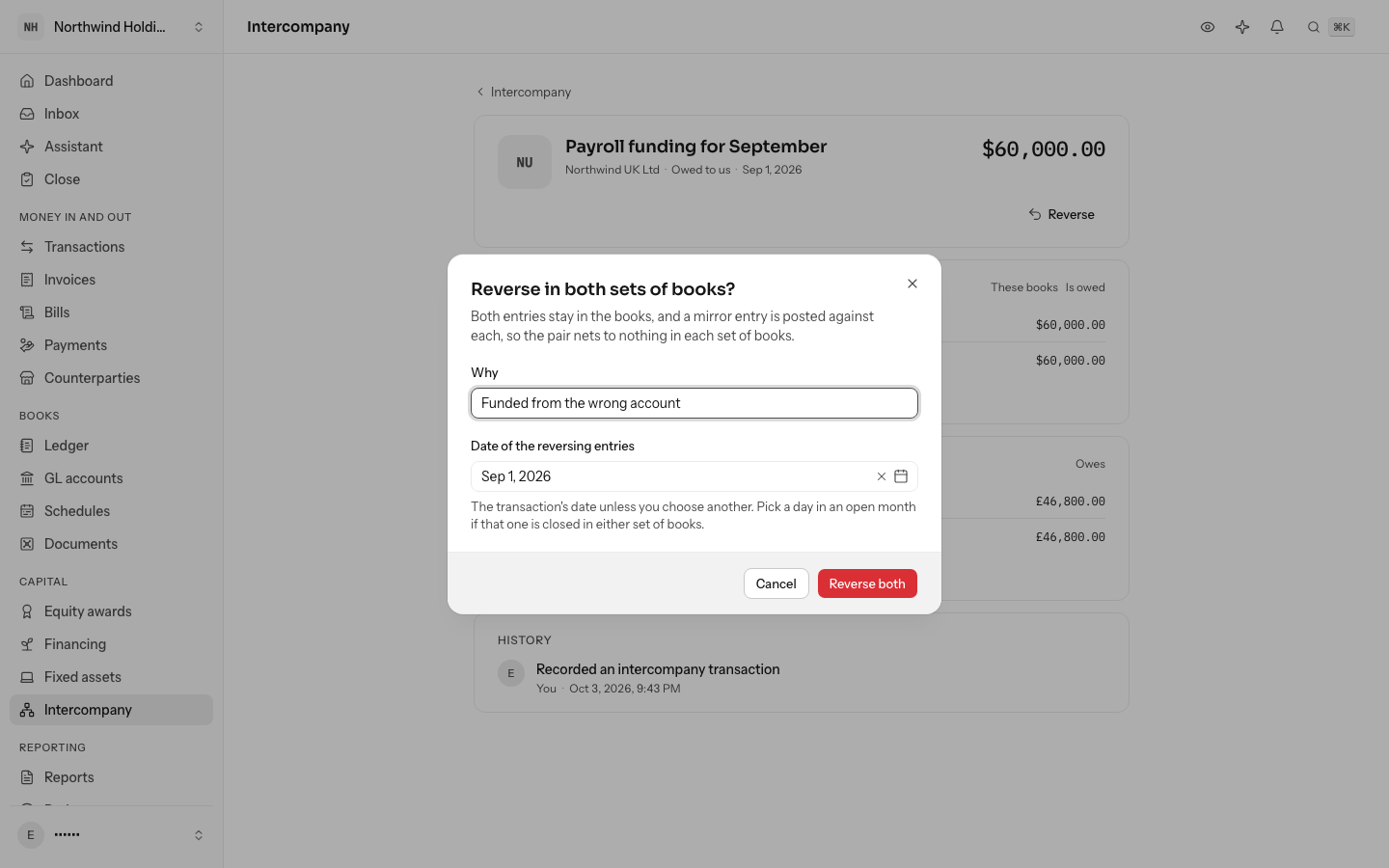
A transaction recorded by mistake is reversed whole. Select Reverse, say why, and choose the date of the reversing entries if the transaction's own month is closed in either set of books. Reverse both posts a reversing entry in each set of books; the originals stay, so the history shows what happened.
You cannot reverse only one side from the ledger: LedgerIt refuses it, so the two sets of books never disagree because of a correction. Reversing needs posting rights in both sets of books.
From the API
The API lists, reads, records and reverses intercompany transactions. Recording and reversing change two sets of books, so they need a signed-in person; an API key can read them but not record them.
Do this through the API
Everything in this guide is also an API call, for scripts and agents. The reference lists each operation with its parameters and objects.