Close and reports
Read your group's consolidated statements
The balance sheet and income statement of every set of books in your organization as one, in one currency, with what the companies owe each other eliminated.
When your company has subsidiaries, each keeps its own books, often in its own currency. Consolidated statements reads every set of books of the organization, translates each into the currency of the books you are in, takes out what the companies owe each other, and adds the rest up into one balance sheet and one income statement for the group.
Nothing is posted to produce it. Each set of books is read from its own ledger, so the figures always match what each company reports on its own.
Open it
Go to Reports and select Consolidated statements under the statements. Open it from the books whose currency you want the group presented in, usually the parent's.
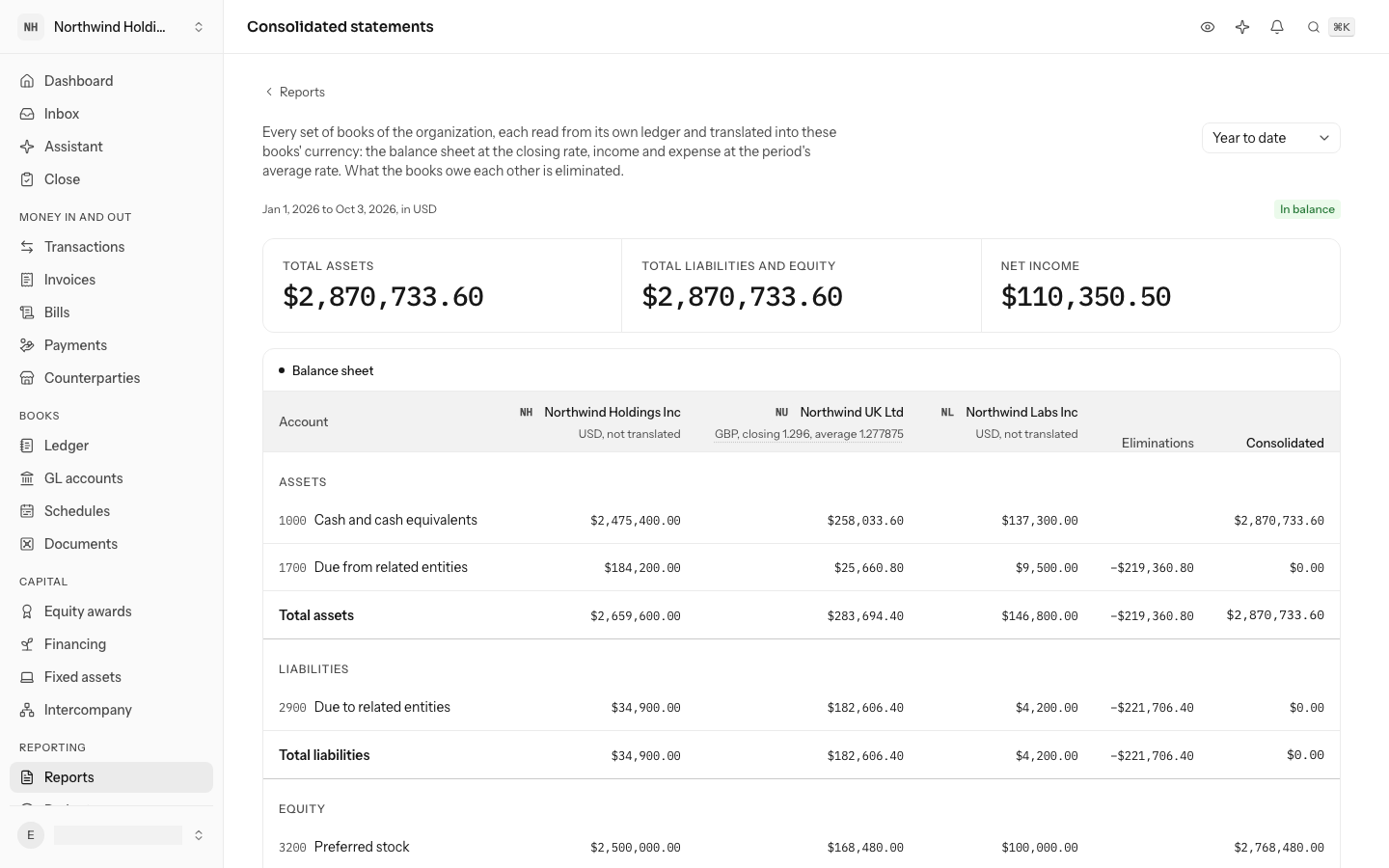
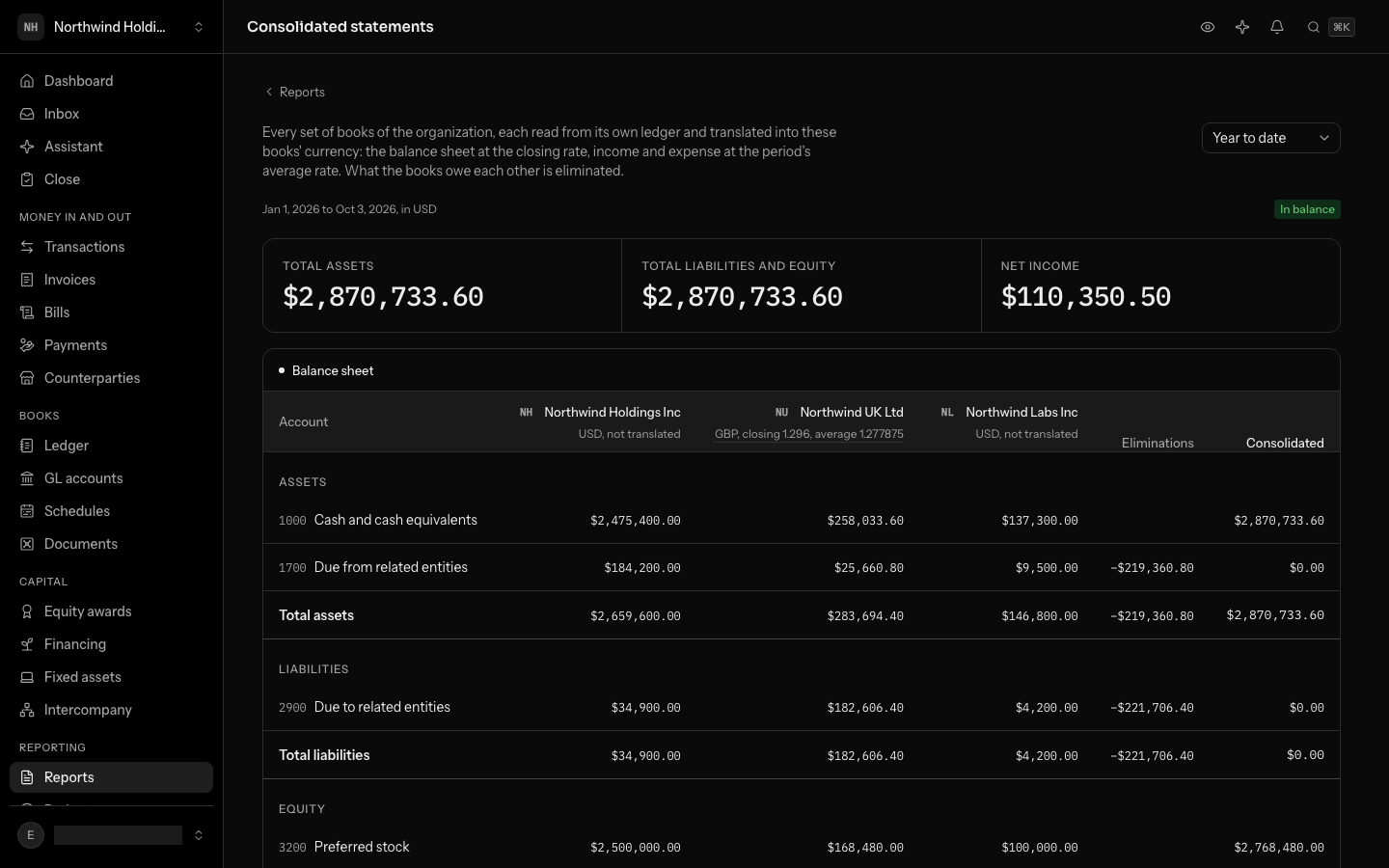
It opens on Year to date: from the first day of these books' fiscal year to today. Choose another period at the top right; the balance sheet is read on its last day, the income statement over all of it.
Everyone who can open every set of books of the organization can read it, viewers included.
Read the columns
- One column per set of books, the books you are in first. Under each name are its currency and the two rates it was translated at: closing, the rate in force on the period's last day, and average, the mean of the rates set during the period. Point at them to see what they mean in your currency. Books in your currency say not translated.
- Eliminations is what was taken off each line because the companies owe it to each other.
- Consolidated is the books' figures plus the eliminations: the group's figure.
A blank cell means that set of books has nothing on that line.
The balance sheet
Assets, liabilities and equity, each with its accounts added up by account code across the books, and a total. Balances are translated at the closing rate.
Equity carries four lines no single set of books has:
| Line | What it is |
|---|---|
| Earnings from before the period | Each set of books' earnings up to the period's first day. |
| Net income for the period | The income statement below. |
| Currency translation adjustment | What translating the balance sheet at the closing rate and income and expense at the average rate leaves over. |
| Intercompany difference | Where the two sides of an amount the companies owe each other did not cancel to the same figure, because of rates or a change made in one set of books only. |
The badge above the figures says In balance when consolidated assets equal liabilities and equity. If they ever do not, the page says by how much, in words, and you should tell us.
The income statement
Income, then expenses, translated at the average rate, with their totals and Net income for the group. An intercompany recharge that one company booked as income or a reduced expense and the other as a cost is eliminated here too.
What was eliminated
Intercompany eliminated lists each intercompany transaction that stood on the period's last day, with what came off Due from in the books owed the money and Due to in the books that owe it, both in your currency. A transaction reversed by then is not listed.
When it can't be produced
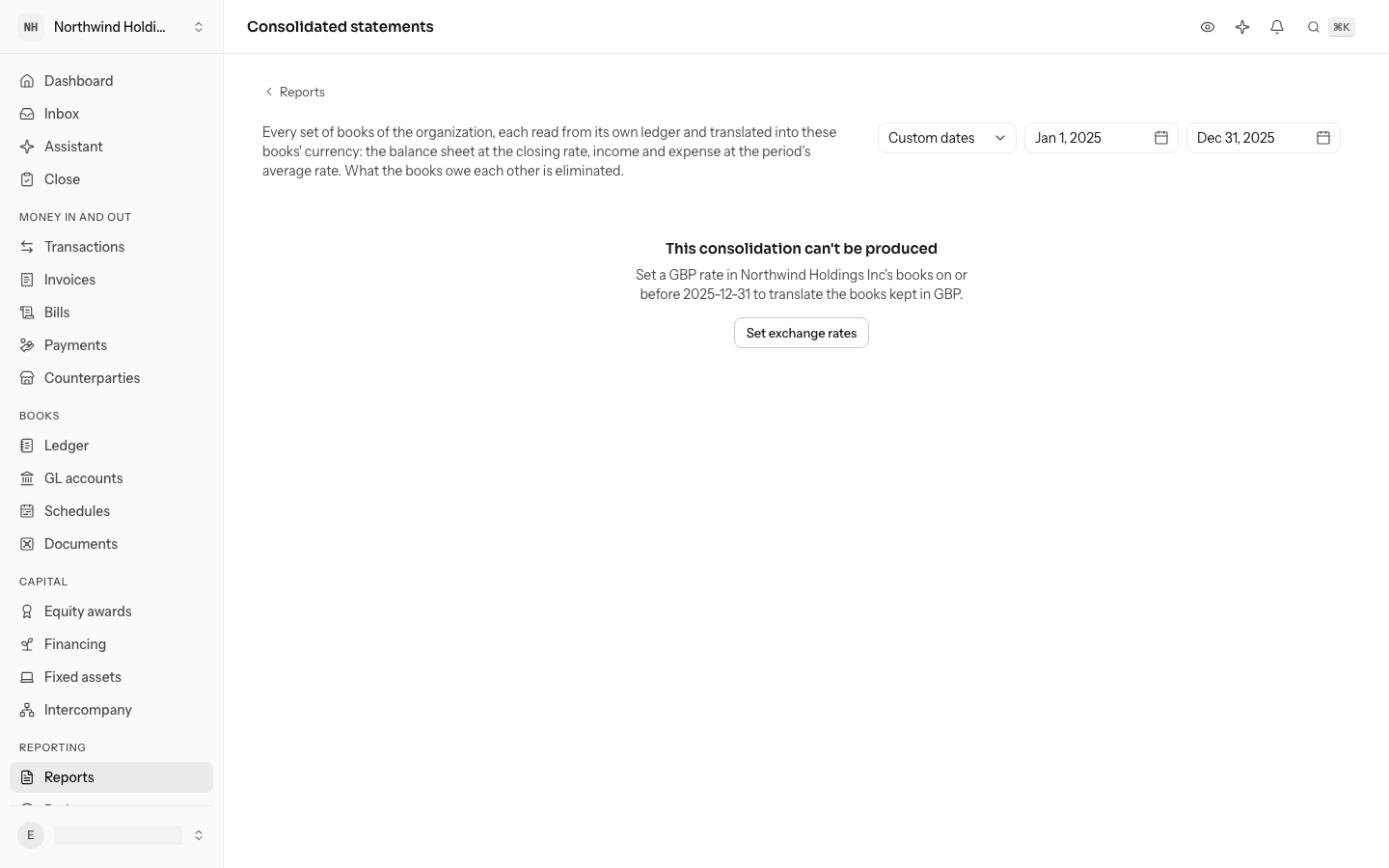
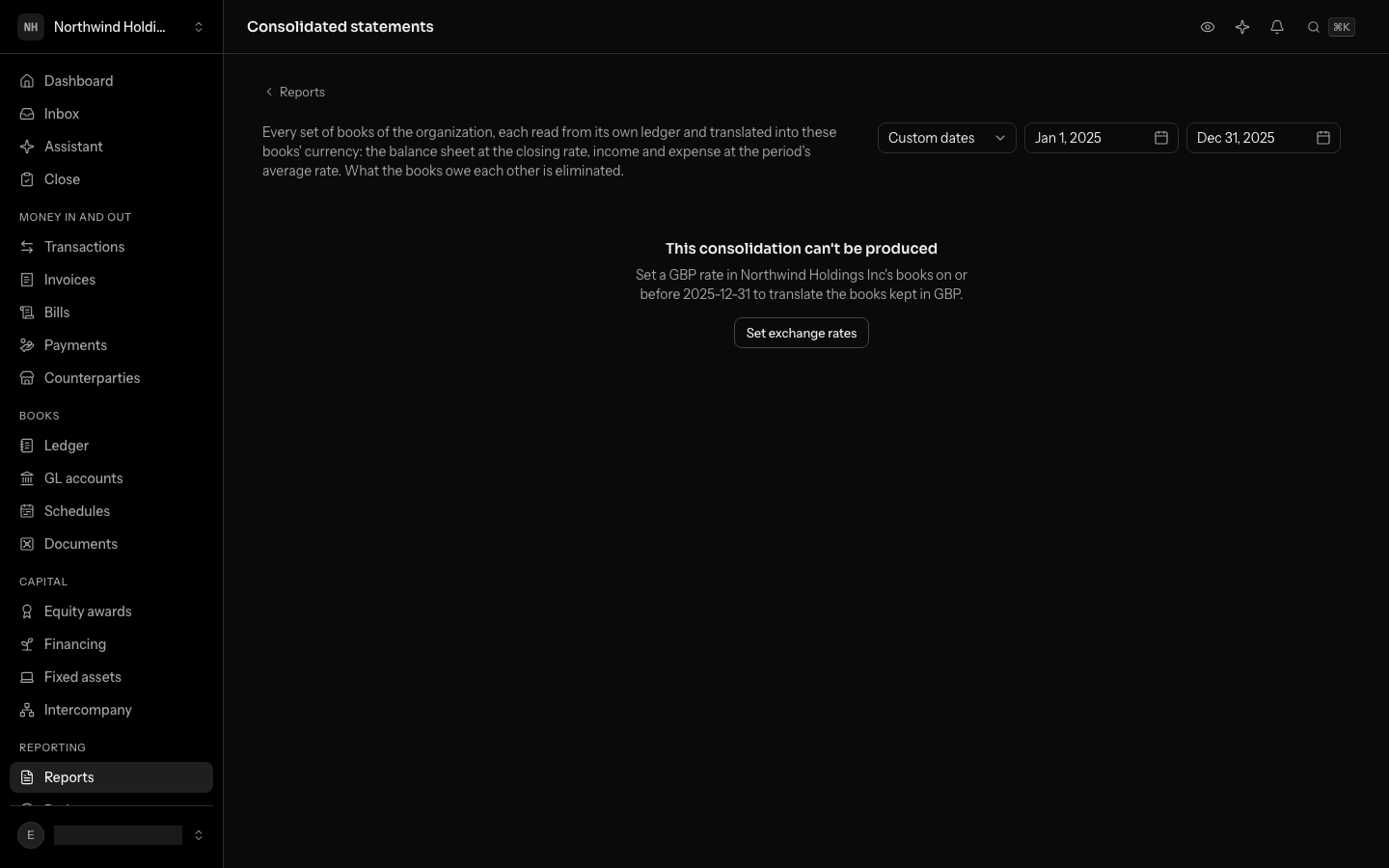
LedgerIt does not guess a rate. When a set of books keeps a currency that the books you are in hold no rate for on or before the period's last day, the page says which one and offers Set exchange rates, which opens Foreign currency. Add the rate there and come back.
It also can't be produced for someone who cannot open every set of books of the organization, since it would leave a company out.
From the API
The API returns the same report: the sets of books with their rates, every line with a figure per set of books, the eliminations and the totals. An API key reaches only the books it was made for, so the consolidation needs a signed-in person.
Do this through the API
Everything in this guide is also an API call, for scripts and agents. The reference lists each operation with its parameters and objects.