Your company
Billing and your plan
See the monthly spend your plan is priced by, start a paid plan, verify your YC company, and change the card or cancel.
LedgerIt is priced by what your company spends each month, not by seats. Billing, in Settings, shows the plan you are on, the spend it is priced by and, for the owner, what to do about it. The plan covers the whole company: every set of books you keep reads the same plan.
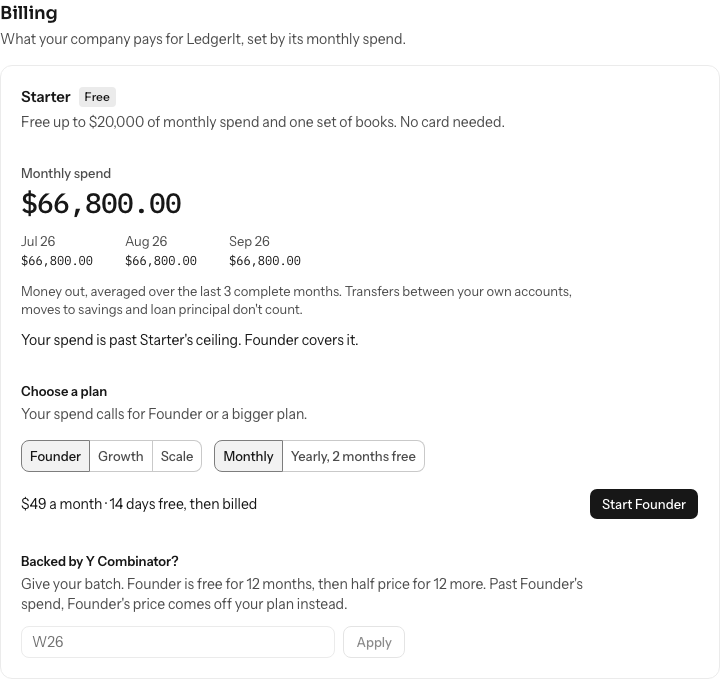
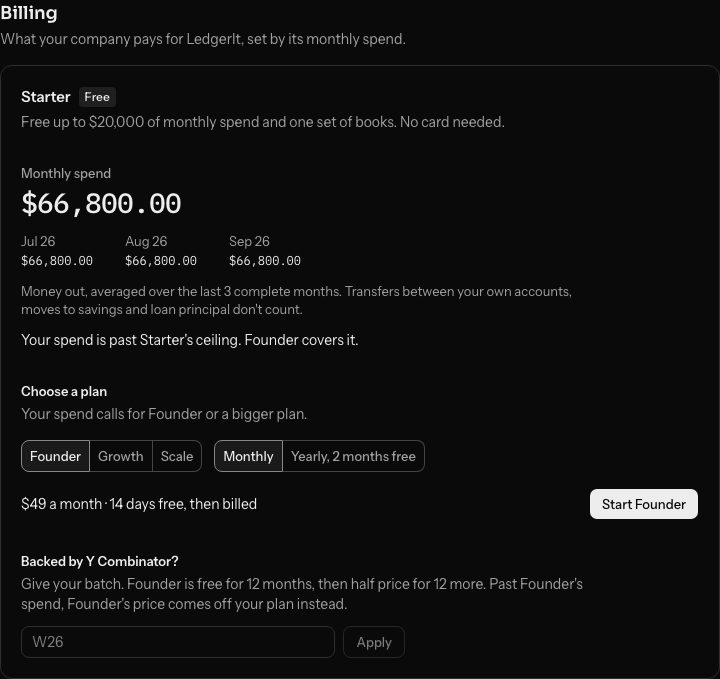
Read your monthly spend
Monthly spend is the money that left your bank and card accounts, averaged over the last three complete months. The three months are listed under it. Transfers between your own accounts, money moved to savings and loan principal don't count, and neither does the month you are in. It is the same figure as the burn on Home.
| Plan | Price | Monthly spend |
|---|---|---|
| Starter | Free | Up to $20,000, one set of books |
| Founder | $49 a month | Up to $100,000 |
| Growth | $149 a month | Up to $500,000 |
| Scale | From $399 a month | Over $500,000 |
Yearly billing costs ten months. Each set of books beyond the first is $49 a month on a paid plan.
Start a paid plan
Starter is free and needs no card. To move to a paid plan, the owner:
- Under Choose a plan, picks a plan. The list starts at the plan your spend calls for.
- Picks Monthly or Yearly, 2 months free.
- Selects Start Founder (or the plan picked) and pays on Stripe's page.
A first paid plan starts with 14 days free. Back in LedgerIt, the plan shows within a few seconds.
When your spend grows
Nothing changes for one heavy month. When each of the last three months was over your plan's ceiling, your plan moves to the one that covers your spend on your next billing date, never before. The owner is told in the app and by email, and Billing shows the new plan and its date.
Verify your YC company
A Y Combinator company gets Founder free for 12 months, then half price for 12 more. Past Founder's spend, Founder's price comes off your plan instead. The proof is a YC verification link, which only a founder can make, and LedgerIt checks it with Y Combinator the moment you paste it.


- On YC, open your verification links, select Create new verification and leave Show company details on. Your email, phone and profiles can stay off. Copy the link; it looks like
https://www.ycombinator.com/verify/g9tduh1u2ffgb2b1. - In LedgerIt, under Backed by Y Combinator?, paste the link and select Verify.
- If YC lists several companies for you, pick the one these books are for.
Y Combinator has to vouch for you and the link has to show the company; each YC company can take the offer once. Billing then shows YC offer with your batch and the company YC named, linked to its page in YC's directory. The offer starts with your first paid plan, or on your next billing date if you are on one already. Until then, Remove takes it back.
Change the card or cancel
Manage billing opens Stripe, where the owner changes the card, downloads invoices or cancels. A cancelled plan runs to the end of the period you paid for, and your books stay yours to export.
Only the owner can change billing. Everyone else in the books can read it.
Do this through the API
Everything in this guide is also an API call, for scripts and agents. The reference lists each operation with its parameters and objects.