Close and reports
See who changed what
Read the audit trail of your books, see whether a person, LedgerIt or a model made each change, and open the history of any entry, transaction or account.
Every change to your books leaves a record: what happened, to what, and who decided. Activity is that record as a list, newest first. Nothing in it can be edited or deleted, and it is sealed into an archive you can download.
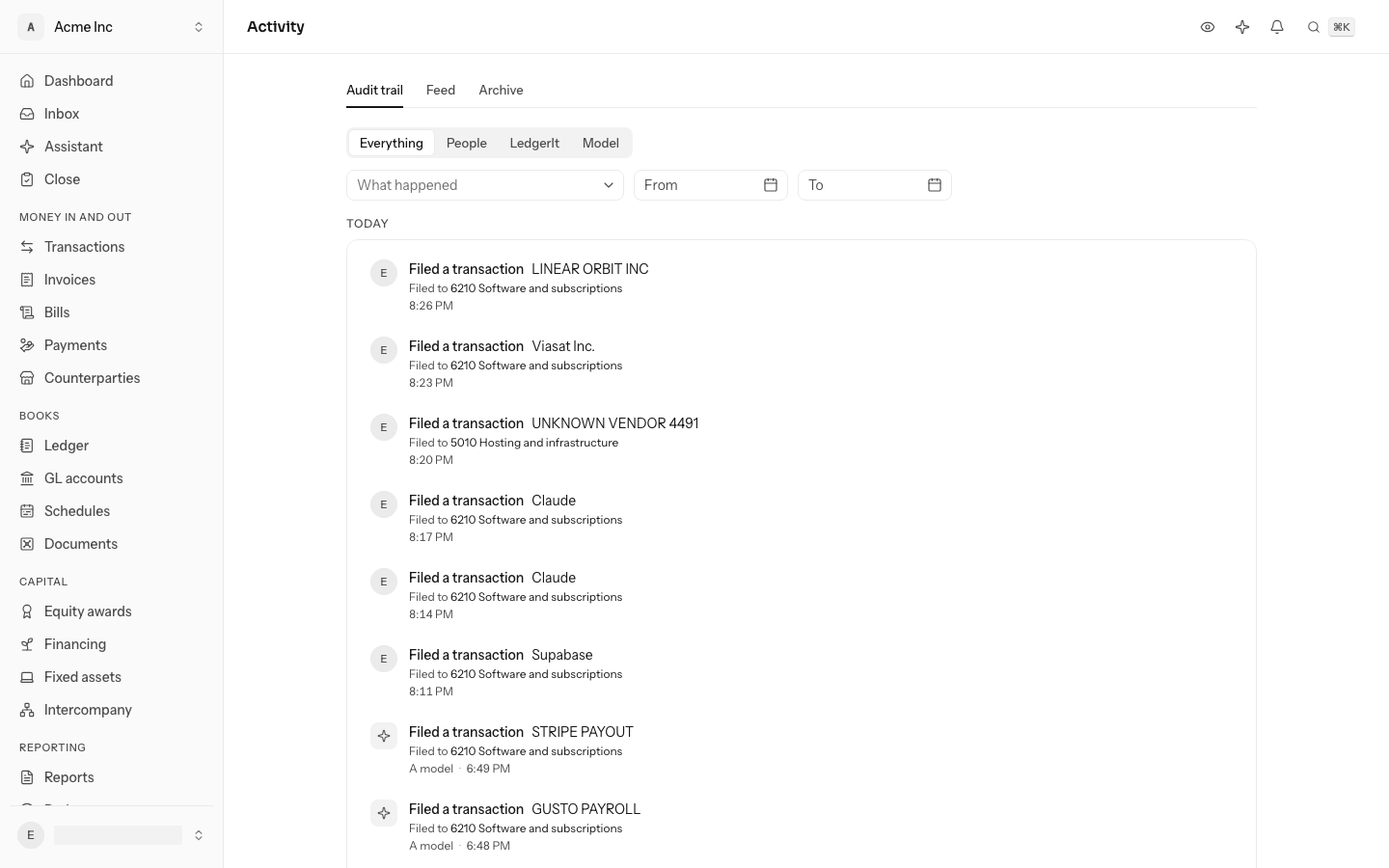
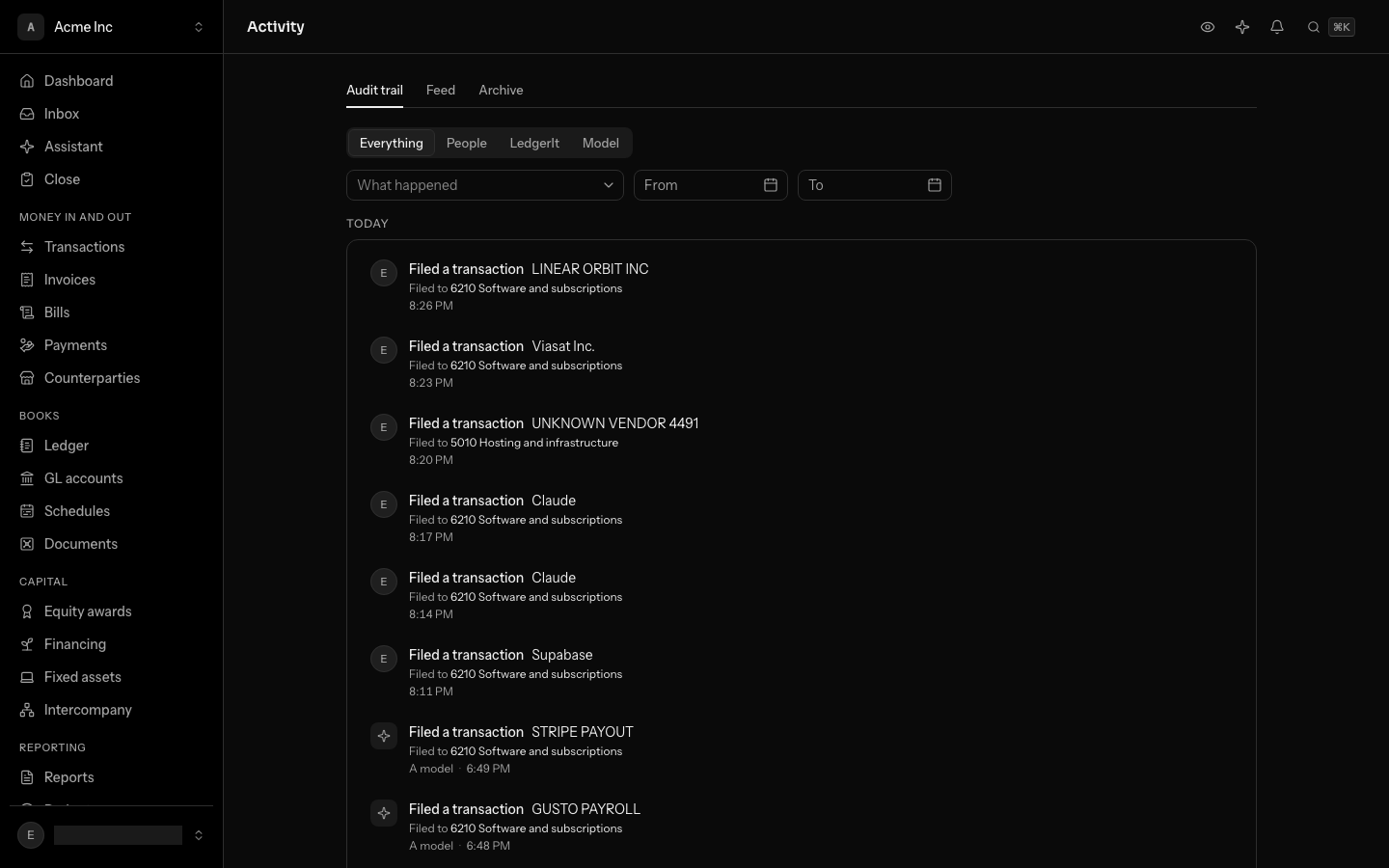
Read the activity
- MCClosed a monthSeptember 2026YouOct 6, 2026, 4:12 PM
- MCPosted an entryForeign currency revaluation as of 2026-09-30#212Youwith the assistantOct 6, 2026, 3:58 PM
- SASigned off a checklist taskSend the investor updatesam@acme.comOct 6, 2026, 11:20 AM
- Filed a transactionAWS EMEA 09/29LedgerItOct 6, 2026, 8:02 AM
- Filed a transactionFIGMA* MONTHLYA modelOct 6, 2026, 8:01 AM
- Checked an account against a statementOperating accountLedgerItOct 6, 2026, 8:00 AM
Choose a tab to see only what people, LedgerIt or a model did.
- Open Activity, under Reporting in the sidebar. Changes are grouped by day, Today first, and each row gives the time.
- Select the record's name to open it: the entry, the transaction, the GL account, the counterparty, the document or the month's close.
- Read the line under it for what the change did: how much moved, and the other records it touched, each one a link.
- Load more at the end shows older activity.
The line under a row names what it recorded:
| The row | The line says |
|---|---|
| Posted an entry | The total, and each GL account it debited and credited. |
| Filed a transaction | The GL account it was filed to, the rule your choice taught if it taught one, and your note. |
| Reversed an entry | The entry that reversed it, and the reason given. |
| Edited an entry | The entry that reversed it and the one posted in its place. |
| Matched a transfer | The accounts it left and arrived in, and the other side of the transfer. |
| Merged counterparties | The counterparty it was merged into. |
An entry with more than four lines names the first four and says how many more; its page has the rest. A record that has since been deleted is named but not linked.
See who decided
Who decided is always written out:
| It says | It means |
|---|---|
| A colleague's email, or nothing | A member did it, in the app or through the API. Your own changes carry your picture and no name. |
| LedgerIt | The books did it without being asked: a sync from a connected account, a rule, a schedule. |
| A model | A model's proposal was recorded. |
| A former member | A member who has since left the books. |
The tab is part of the page's address, so you can bookmark it.
When a change was proposed by the assistant and approved by a person, the row names the person and adds with the assistant. If the conversation was yours, those words link to it. A colleague's conversation is private to them, so for their changes the words are not a link.
Find a change
Under the tabs, narrow the list by what happened and by when. On a phone, select Filter first:
- Select What happened and type a few letters ("reopened", "rule"), then pick one: Reopened a month, Changed a rule.
- Set From, To or both. The days are your own: a change made late on the 30th where you are is listed under the 30th.
- Clear filters shows everything again.
The filters work together with the tabs, and all of them are part of the page's address. A link to "every month reopened this year, by a person" opens on exactly that.
Download the archive
LedgerIt seals the record into files that can't be changed once written. Each file names the fingerprint (a SHA-256 hash) of the one before it, so a missing or altered file shows.
- File 11,000 changesSealed Sep 30, 2026 · 09:15
- Before it
- None
- Fingerprint
- 73829d69…
- File 21,000 changesSealed Sep 30, 2026 · 16:45
- Before it
- 73829d69…
- Fingerprint
- d5240b45…
- File 3412 changesSealed Oct 1, 2026 · 10:30
- Before it
- d5240b45…
- Fingerprint
- 68038f9d…
Each file names the fingerprint of the file before it. Try changing one.
- On Activity, select the Archive tab, beside Audit trail and Feed.
- Each row is one file: how many changes it holds and when it was sealed.
- Select the download icon on a file to open it. The link expires, so download it again when you need it again.
- Open the file's ⋯ menu and choose Copy the fingerprint to copy it in full, and check the downloaded file against it.
Everyone with access to the books, including viewers, can read the activity and download the archive.
Open one record's history
The page of a journal entry, a transaction and a GL account each end with History: the same rows, for that record only. An entry's history shows when it was posted and by whom, and its reversal or edit if it has one.
Work from the keyboard
Press G then Y to open Activity. J and K move between rows and Enter opens the record a row is about. See Work from the keyboard.
Do this through the API
Everything in this guide is also an API call, for scripts and agents. The reference lists each operation with its parameters and objects.